
Free / Lock screen
Phone wallpapers. Stick a line on your lock screen.
Every Show Up poster line, sized for a phone. Save the image, then set it as your wallpaper. Free, no email wall. Wallpapers always carry the Show Up mark.
Start here

Ten minutes. That's all.

Back yourself on the bad days.

Strong blokes ask for help.

Ship it. Fix it. Ship again.

Work hard. Rest properly.
How to set it as your wallpaper
iPhone
- Tap Save, or long-press the image and tap Save to Photos.
- Open Photos, tap Share, then Use as Wallpaper.
- Pinch to fit, then tap Add.
Android
- Tap Download, or long-press the image and tap Download image.
- Open Photos or Gallery, tap the menu, then Use as or Set as wallpaper.
- Pick Home screen, Lock screen, or both.
Every line

Small steps still count.
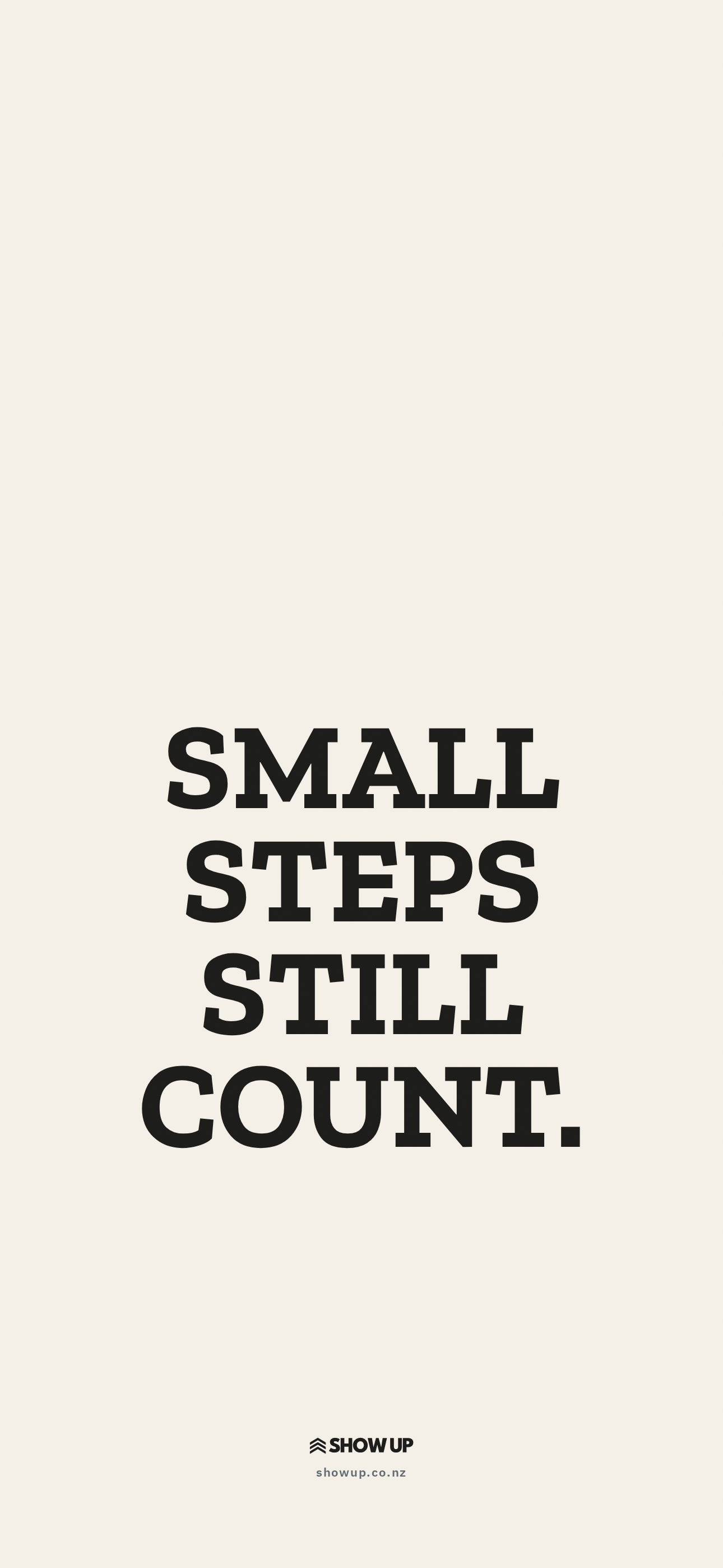

Start ugly. Fix it later.
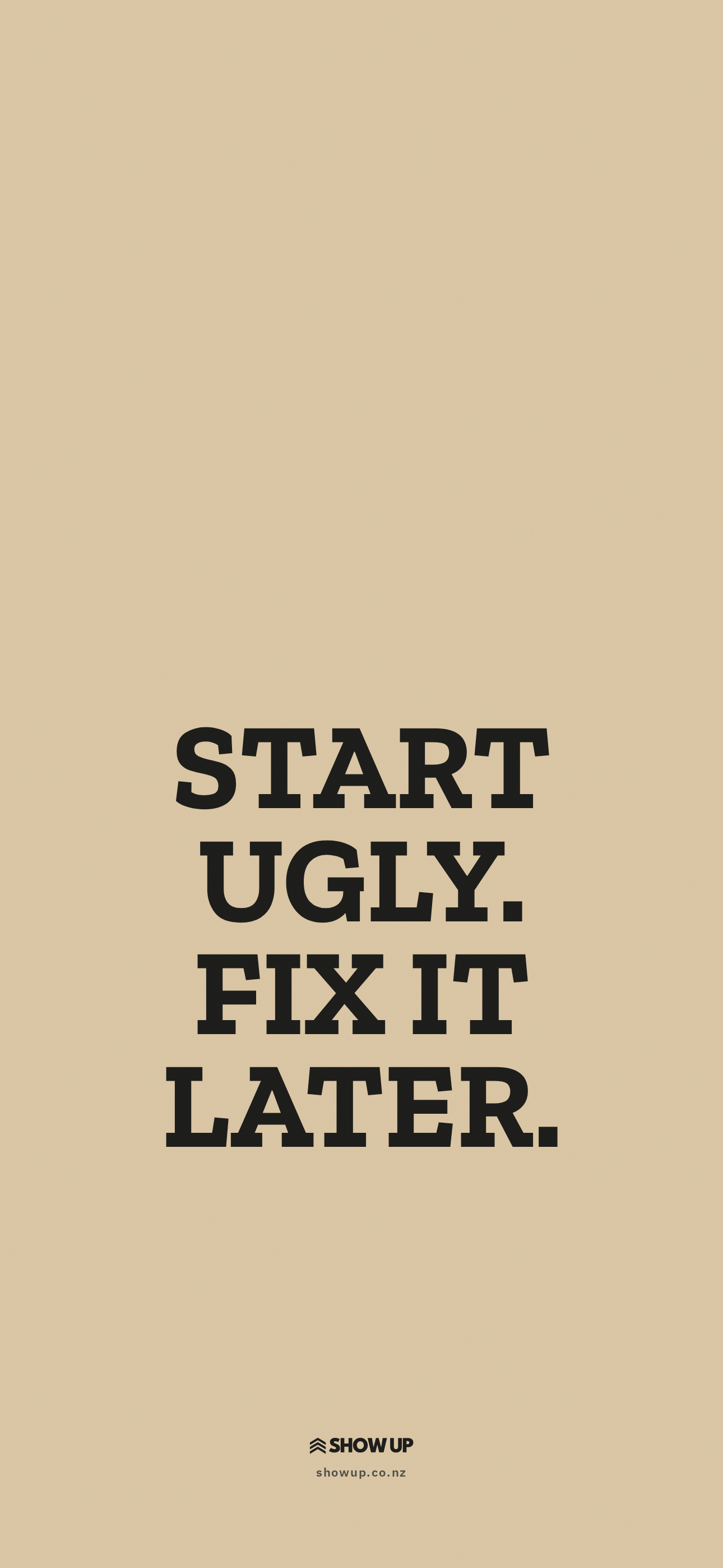

Done beats perfect.
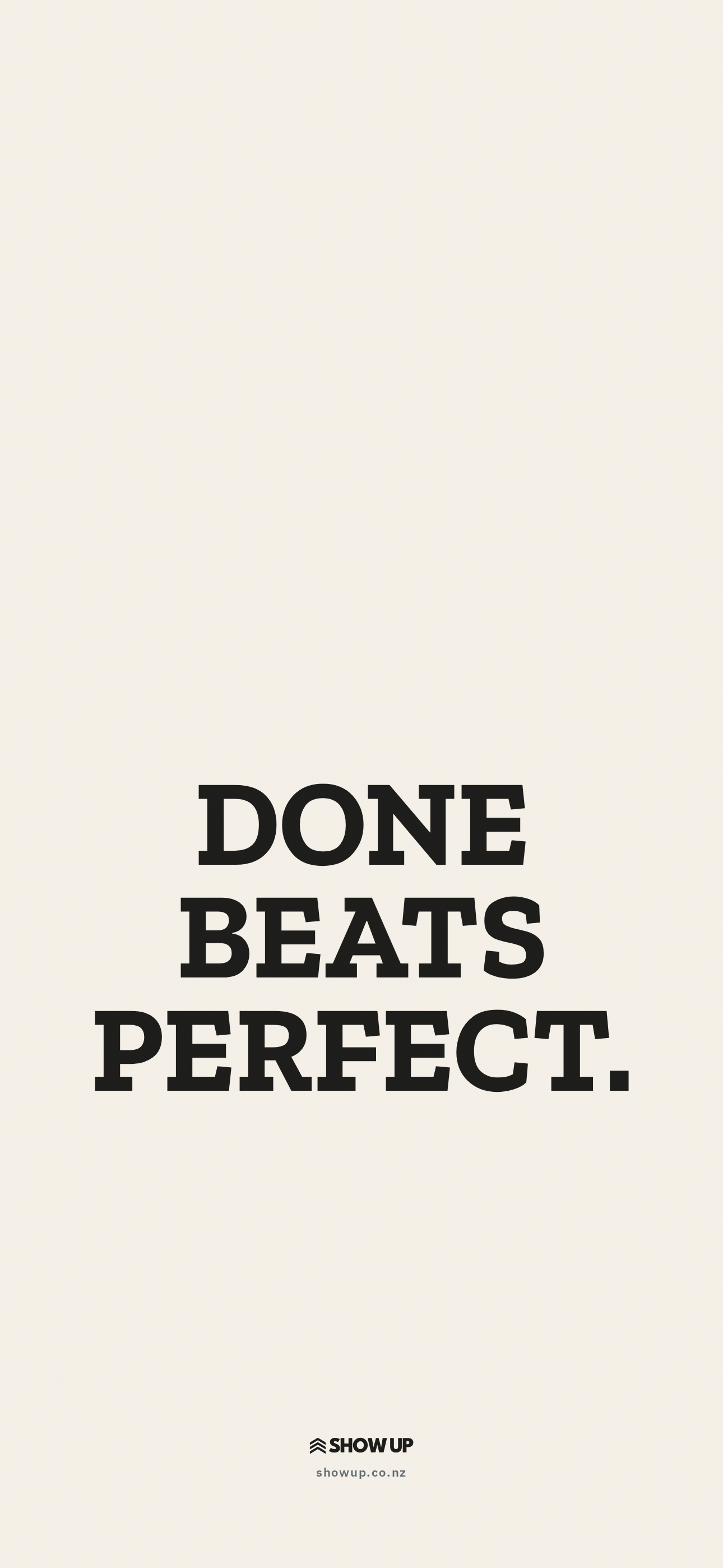

Today, just the next thing.

Talk to a mate. Today.

One call. One step. Today.

You've got through worse.

Keep turning up.

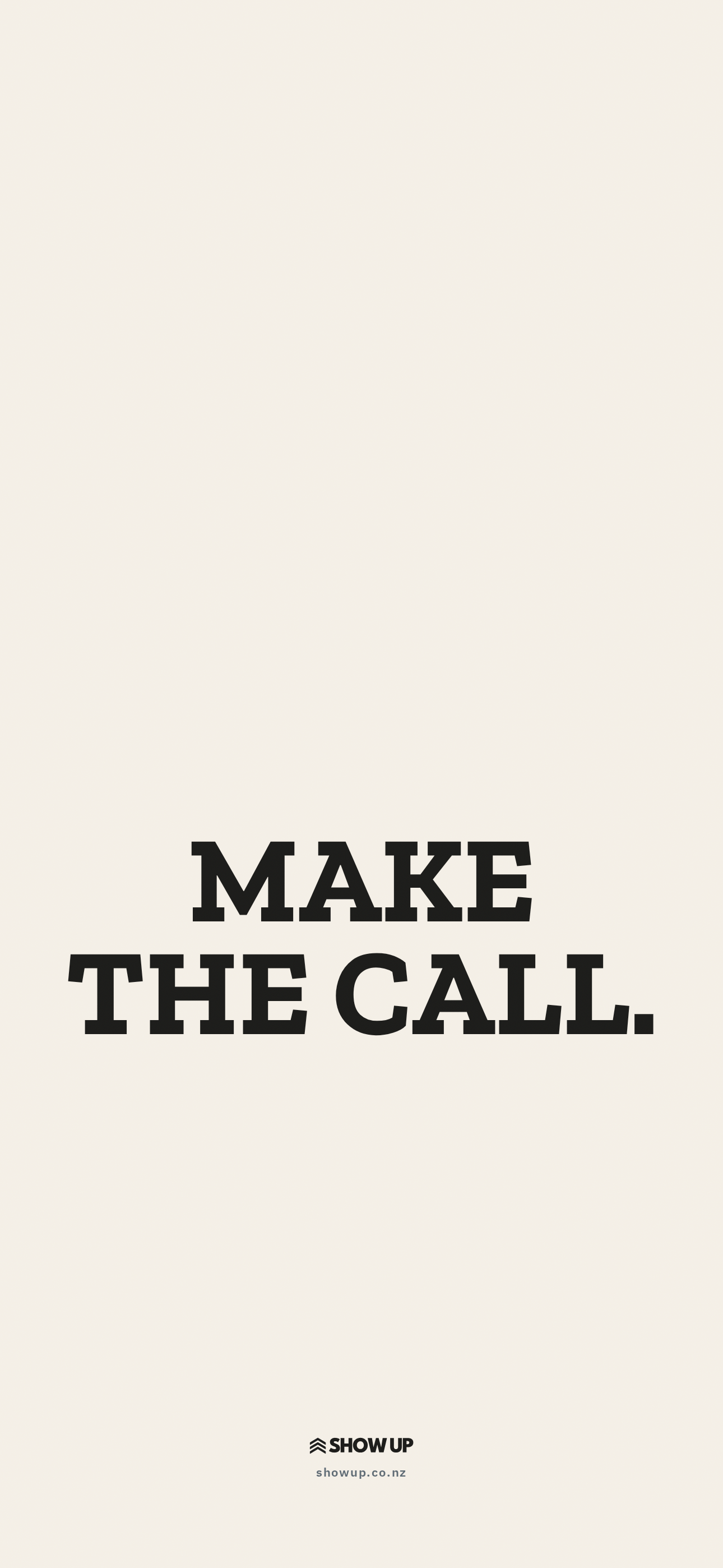
Make the call.

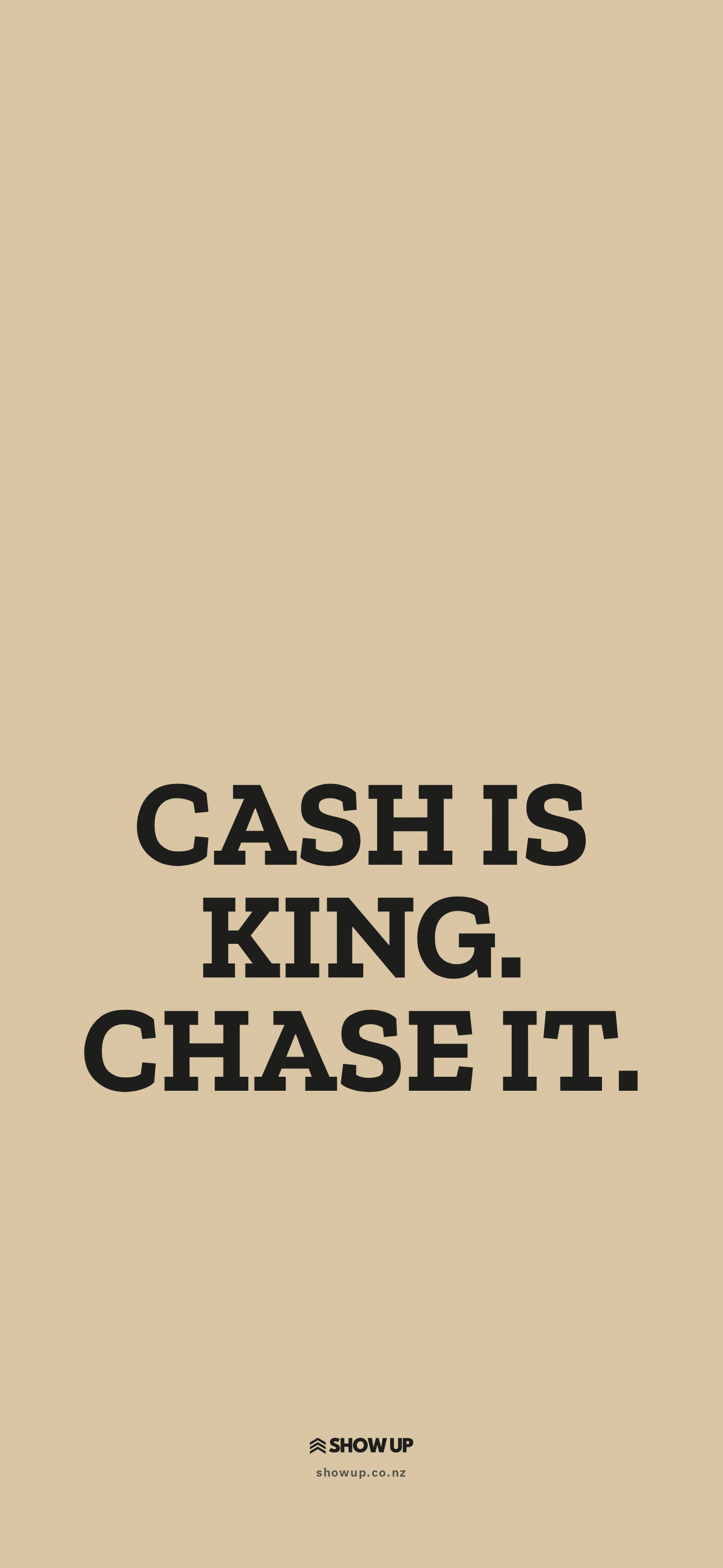
Cash is king. Chase it.

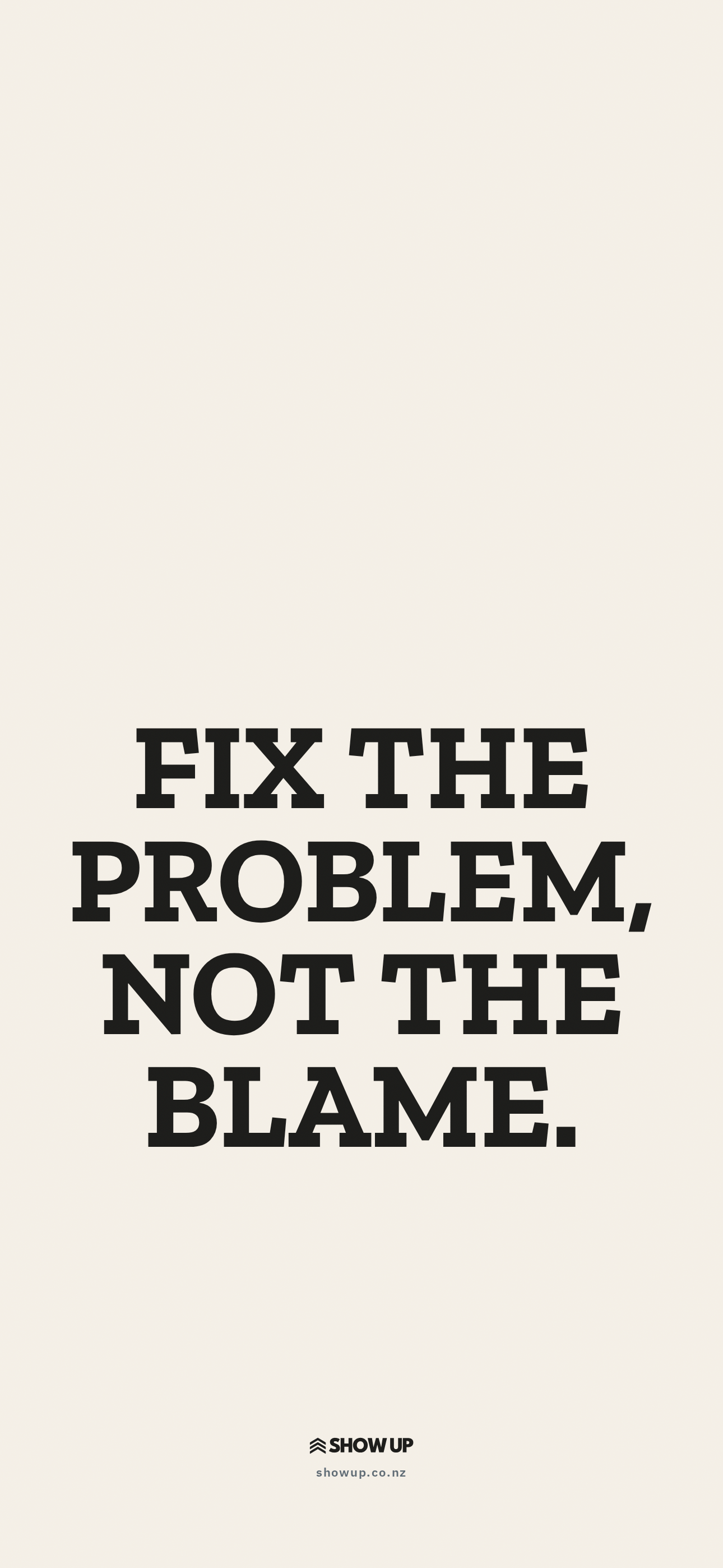
Fix the problem, not the blame.

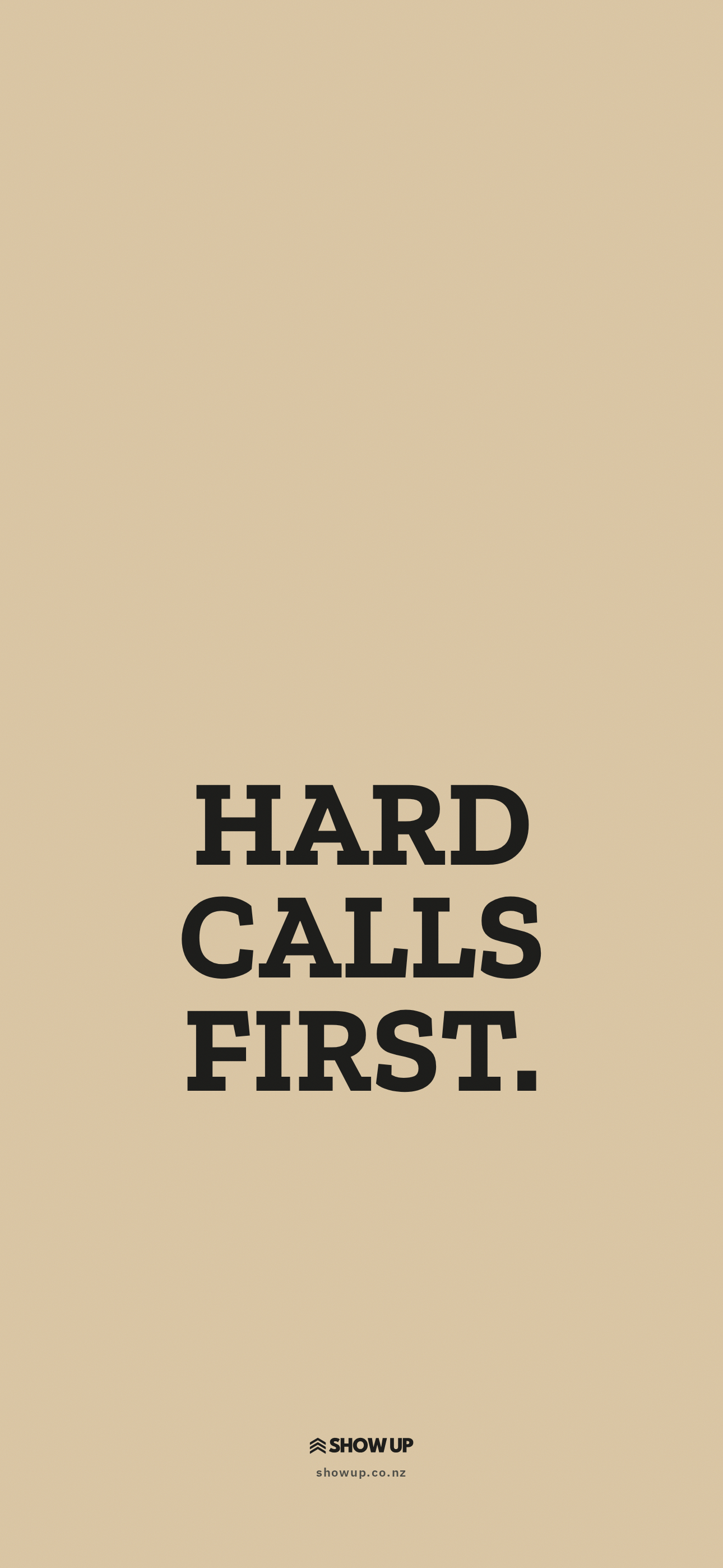
Hard calls first.

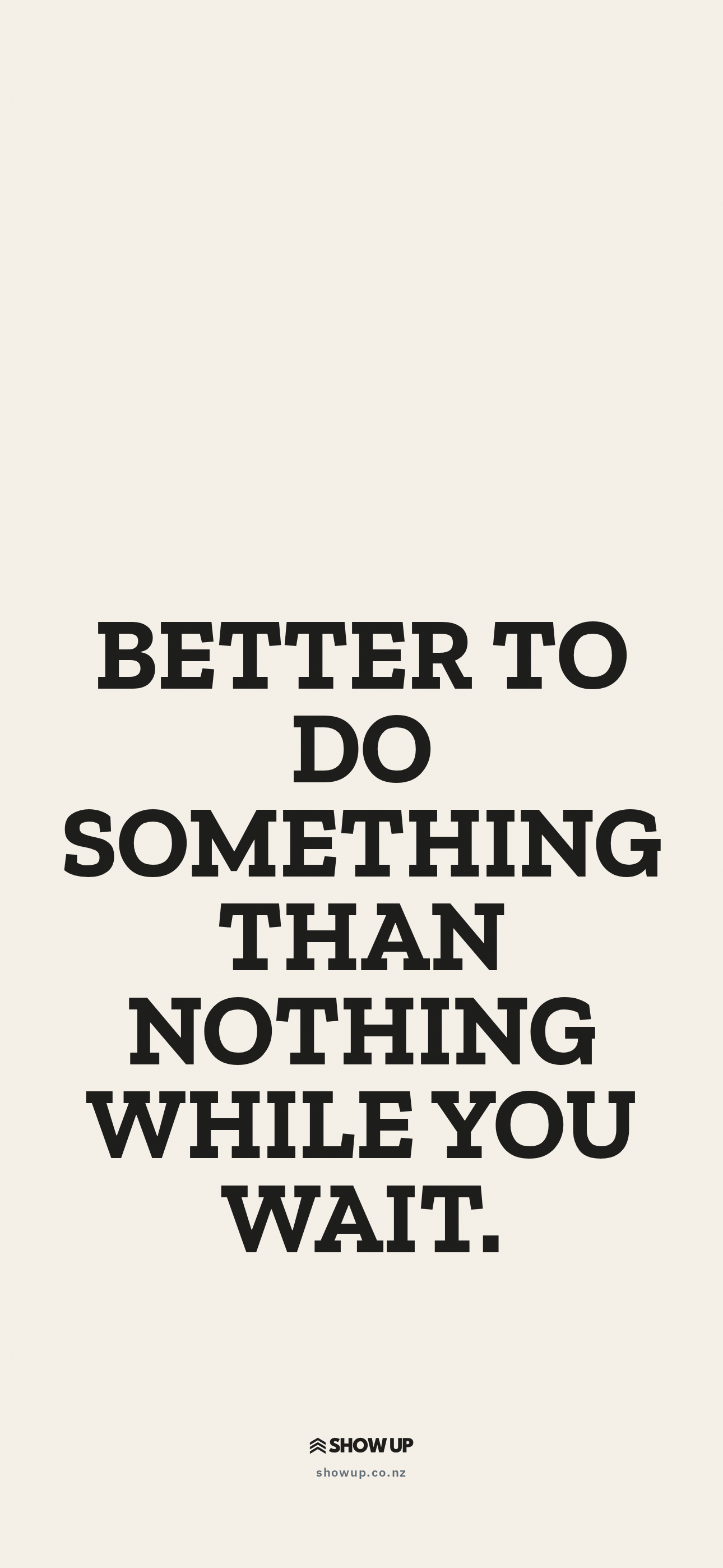
Better to do something than nothing while you wait.

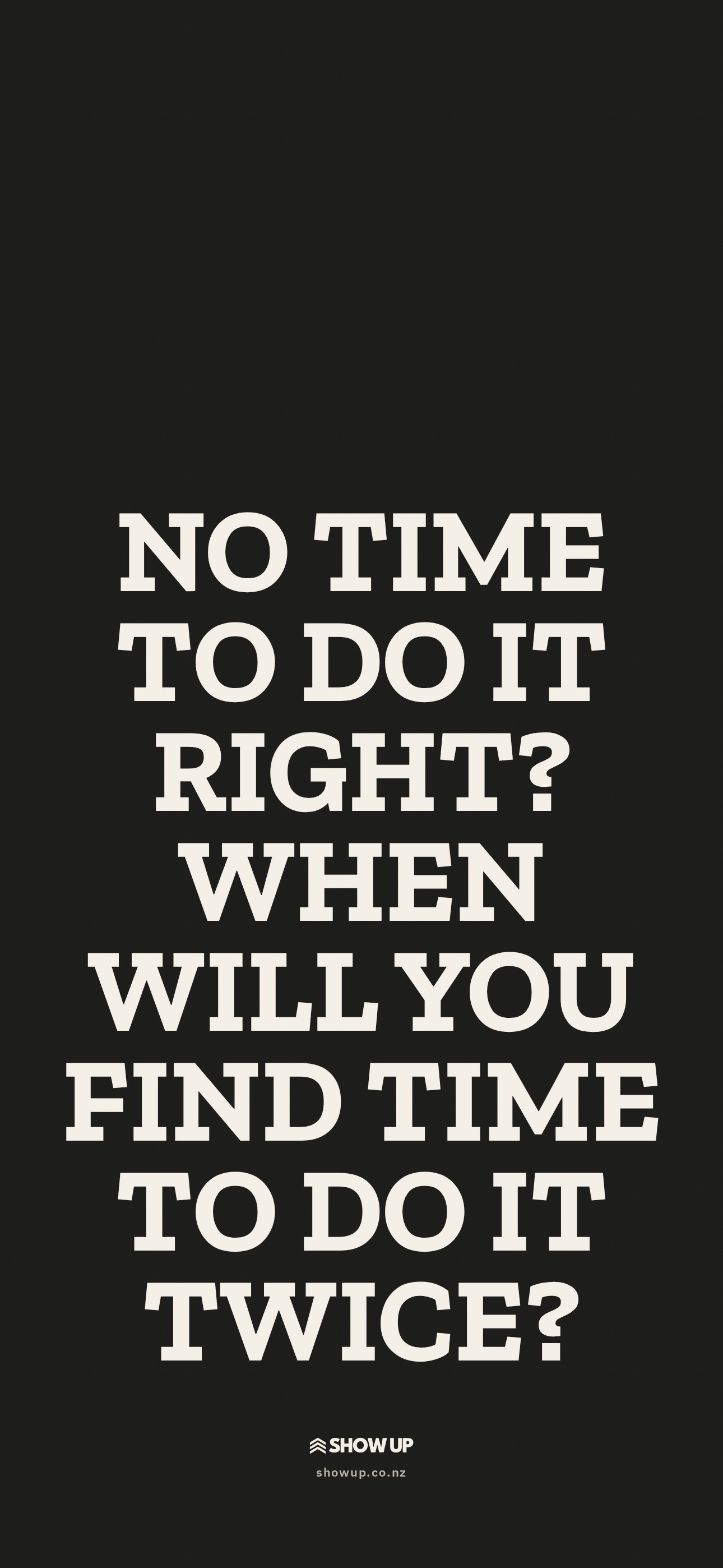
No time to do it right? When will you find time to do it twice?

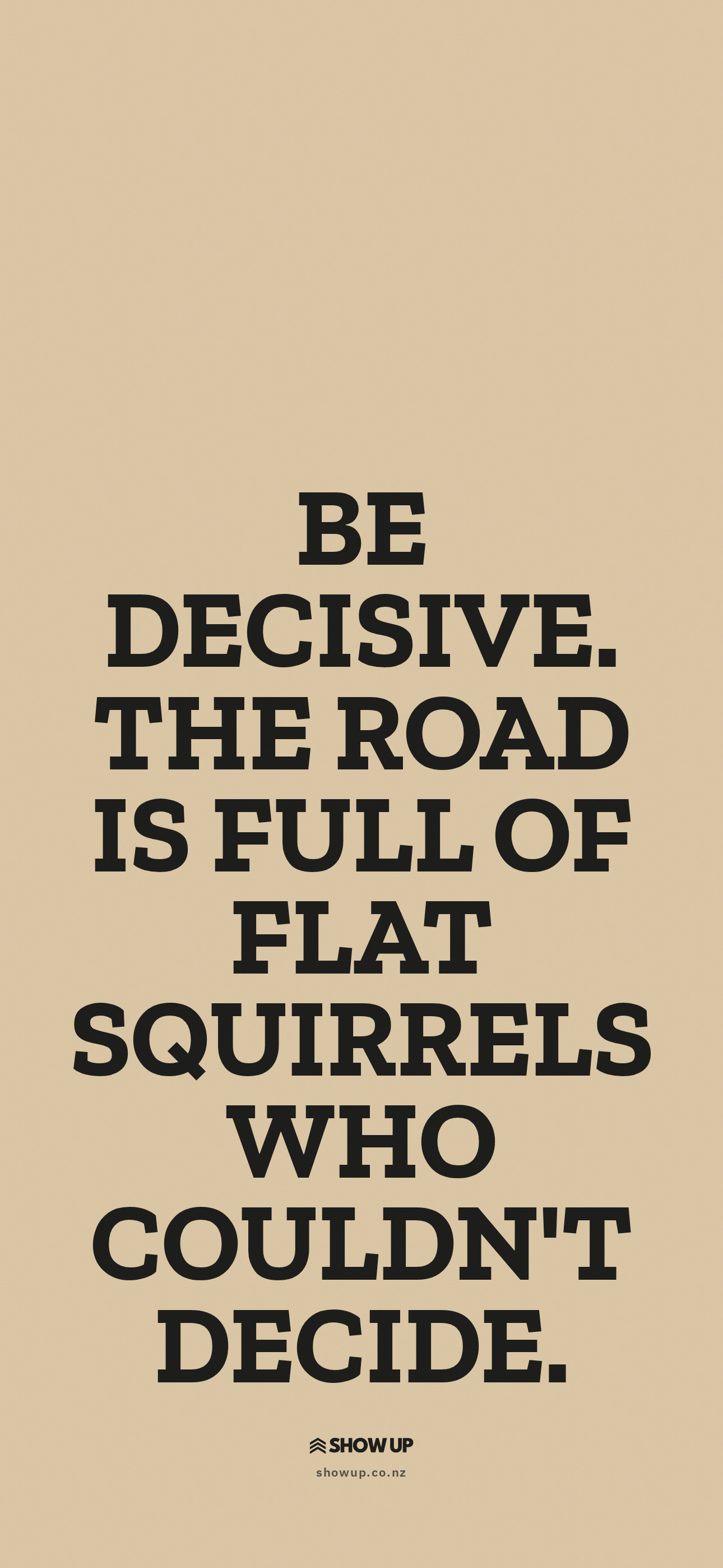
Be decisive. The road is full of flat squirrels who couldn't decide.

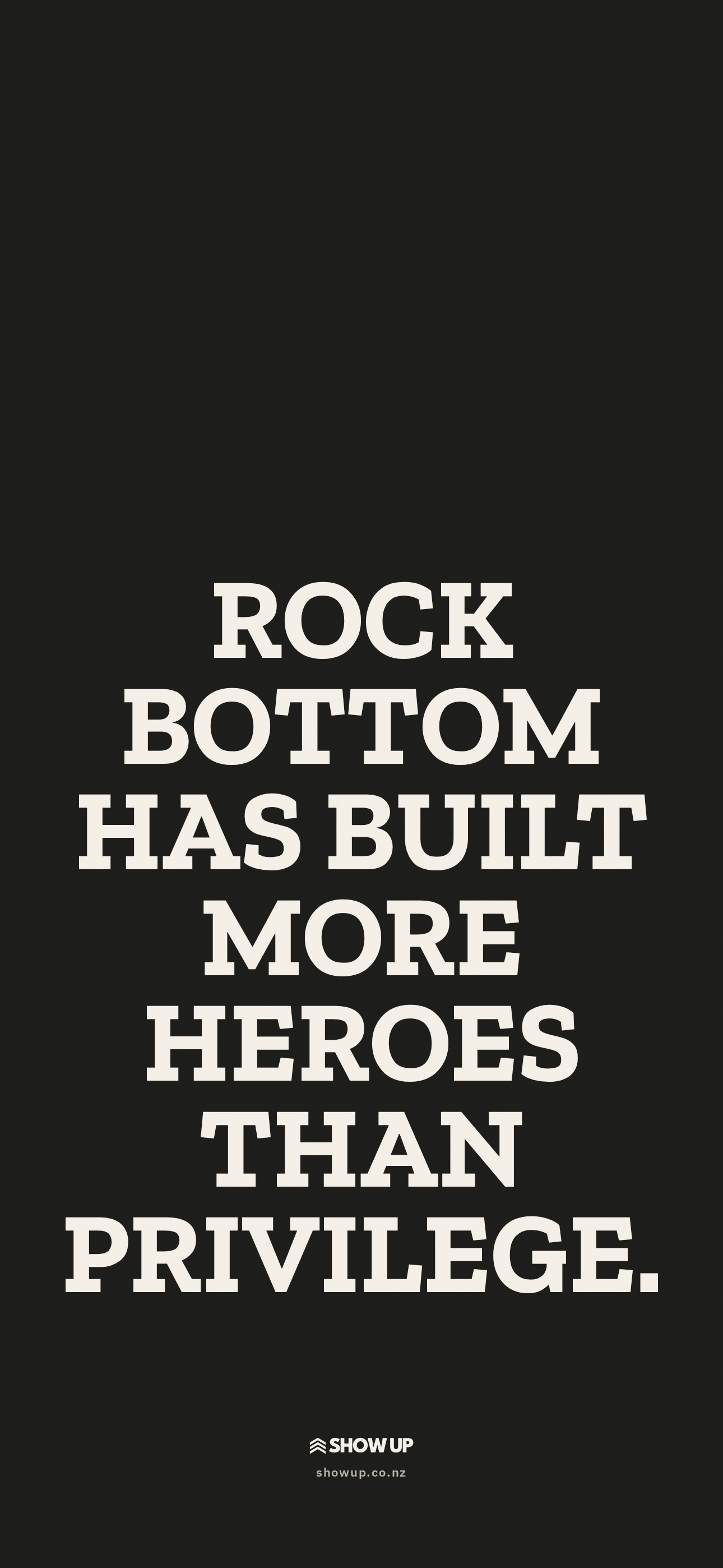
Rock bottom has built more heroes than privilege.

Don't announce moves. Confirm arrivals.

Making money is action. Keeping money is behaviour. Growing money is knowledge.

Purpose is an incredible alarm clock.

People don't decide their future. They decide their habits. Their habits decide their future.

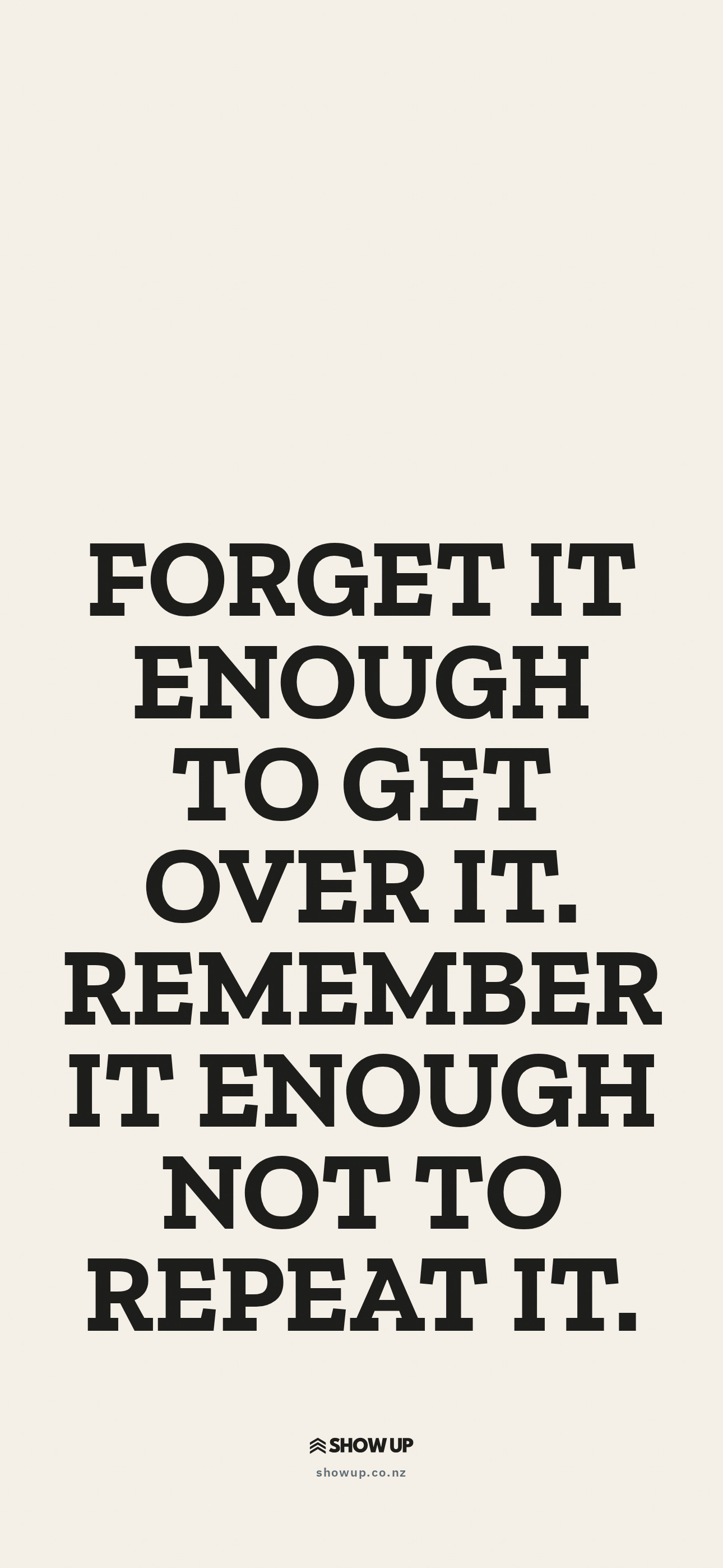
Forget it enough to get over it. Remember it enough not to repeat it.

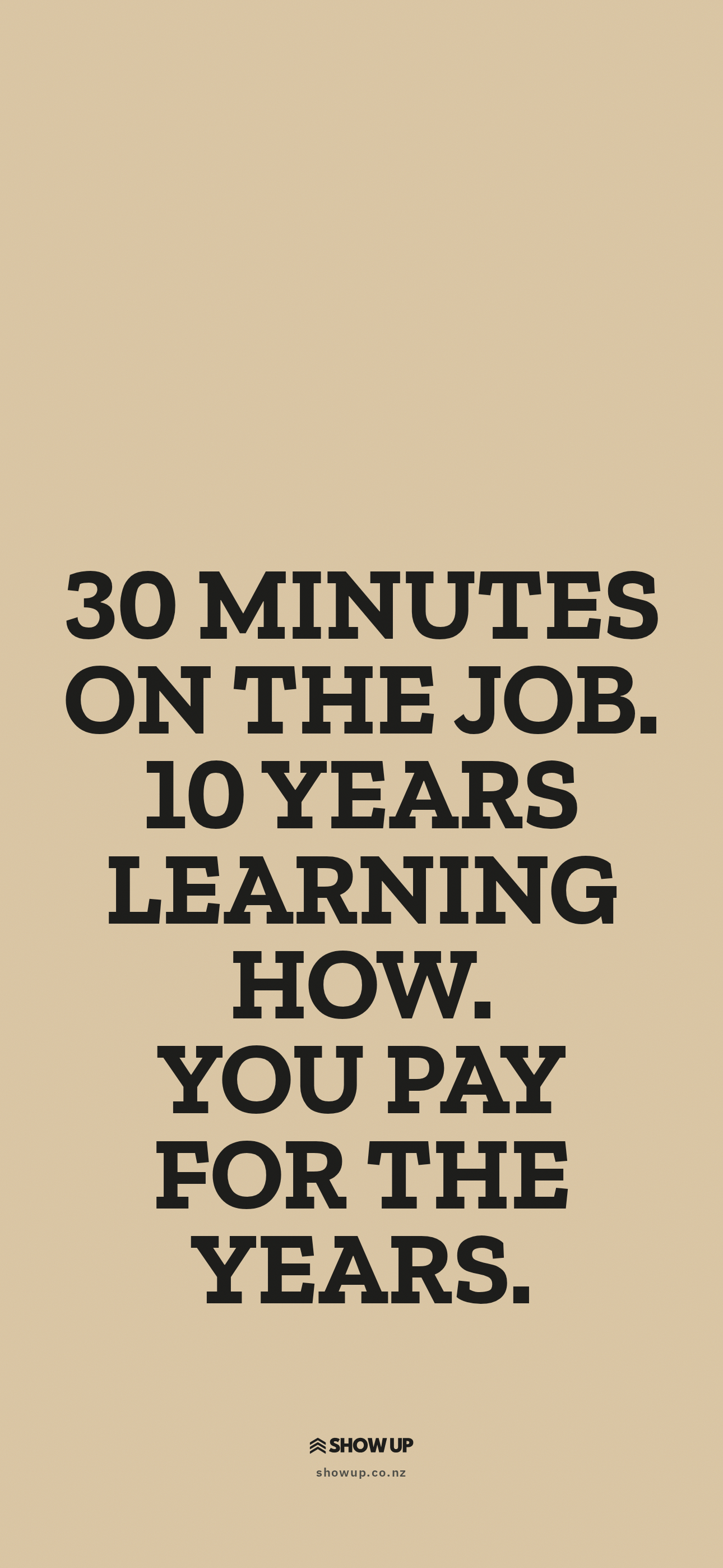
30 minutes on the job. 10 years learning how. You pay for the years.

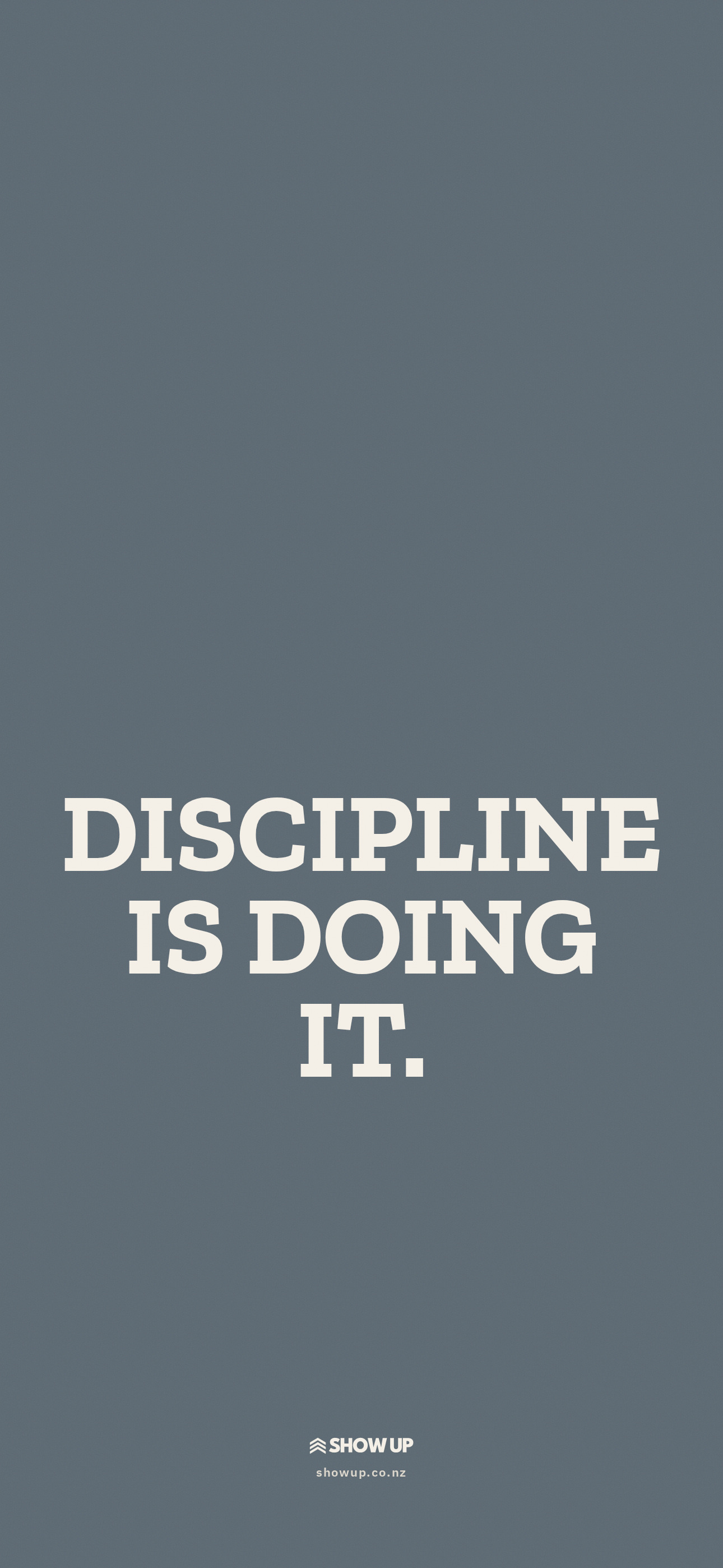
Discipline is doing it.

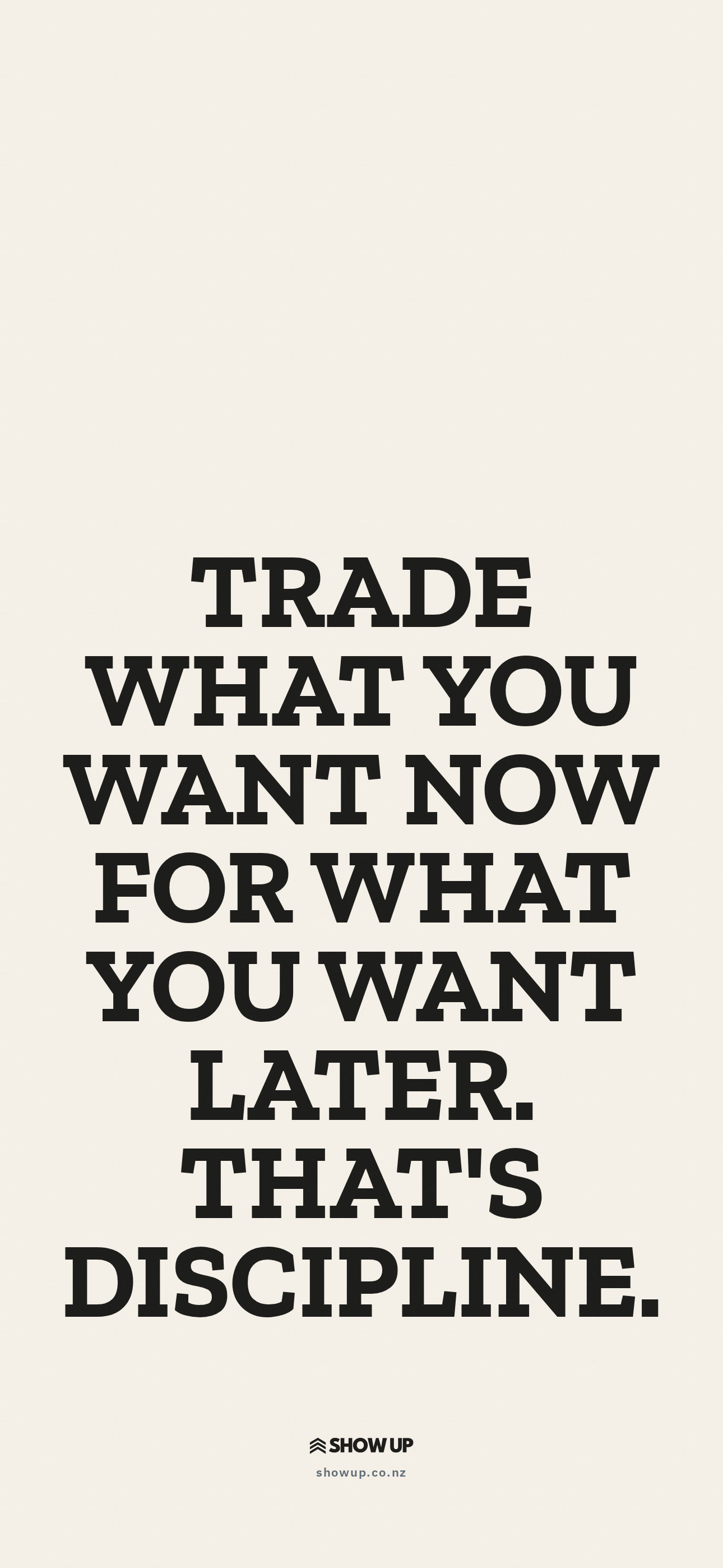
Trade what you want now for what you want later. That's discipline.

To get what others won't, do what others don't.

Three hobbies. One that pays. One that keeps you fit. One that keeps you creative.

Follow One Course Until Successful.

You don't know how strong you are until strong is the only choice you have.

Same boiling water. Soft potato. Hard egg. It's what you're made of.

Never let your emotions overpower your intelligence.

Great minds discuss ideas. Average minds discuss events. Small minds discuss people.

FAIL. First Attempt In Learning.

Two big days. The day you're born, and the day you work out why.

Opportunity knocks for people who are ready.

Got enemies? Good. It means you stood up for something.

Worrying won't change the outcome. Doing something might.

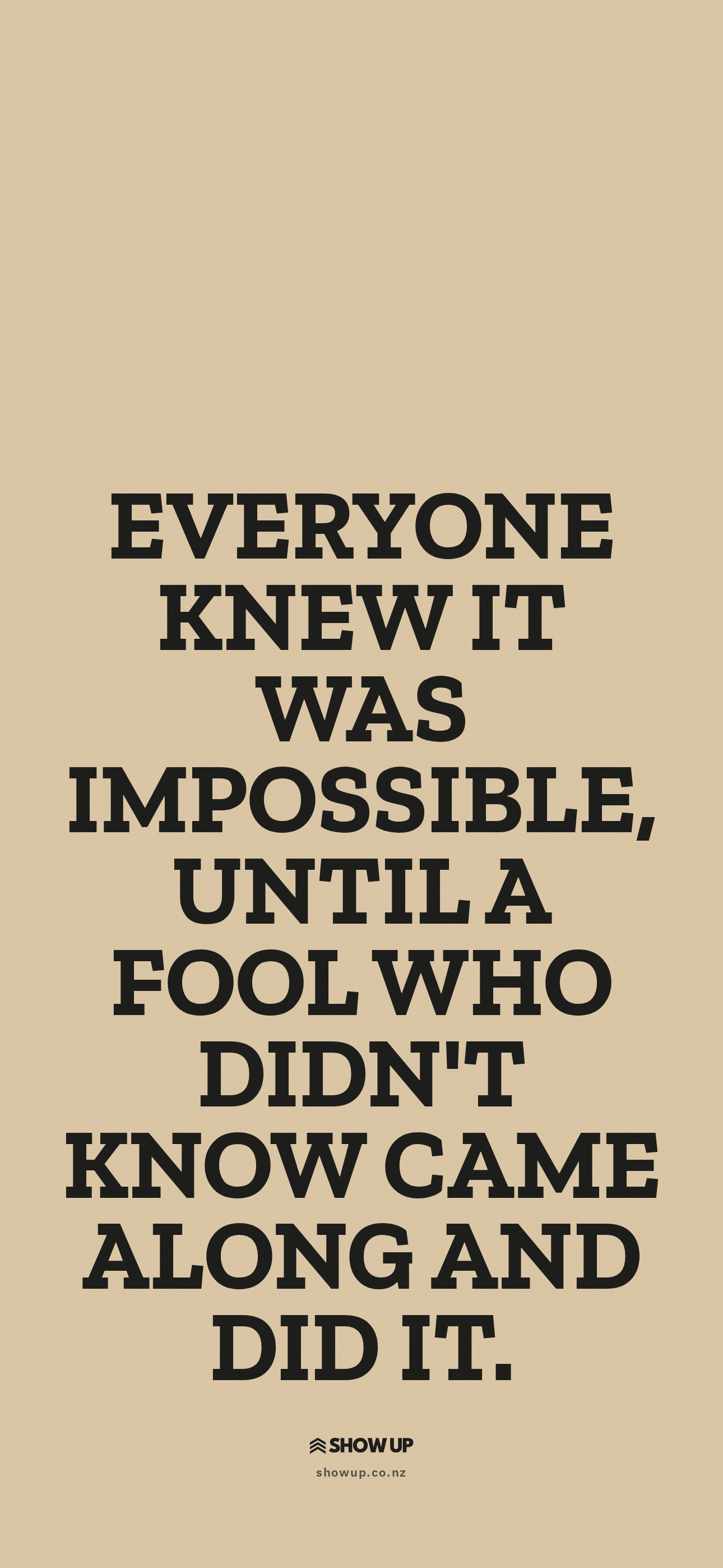
What would you ask for if you knew the answer was yes?
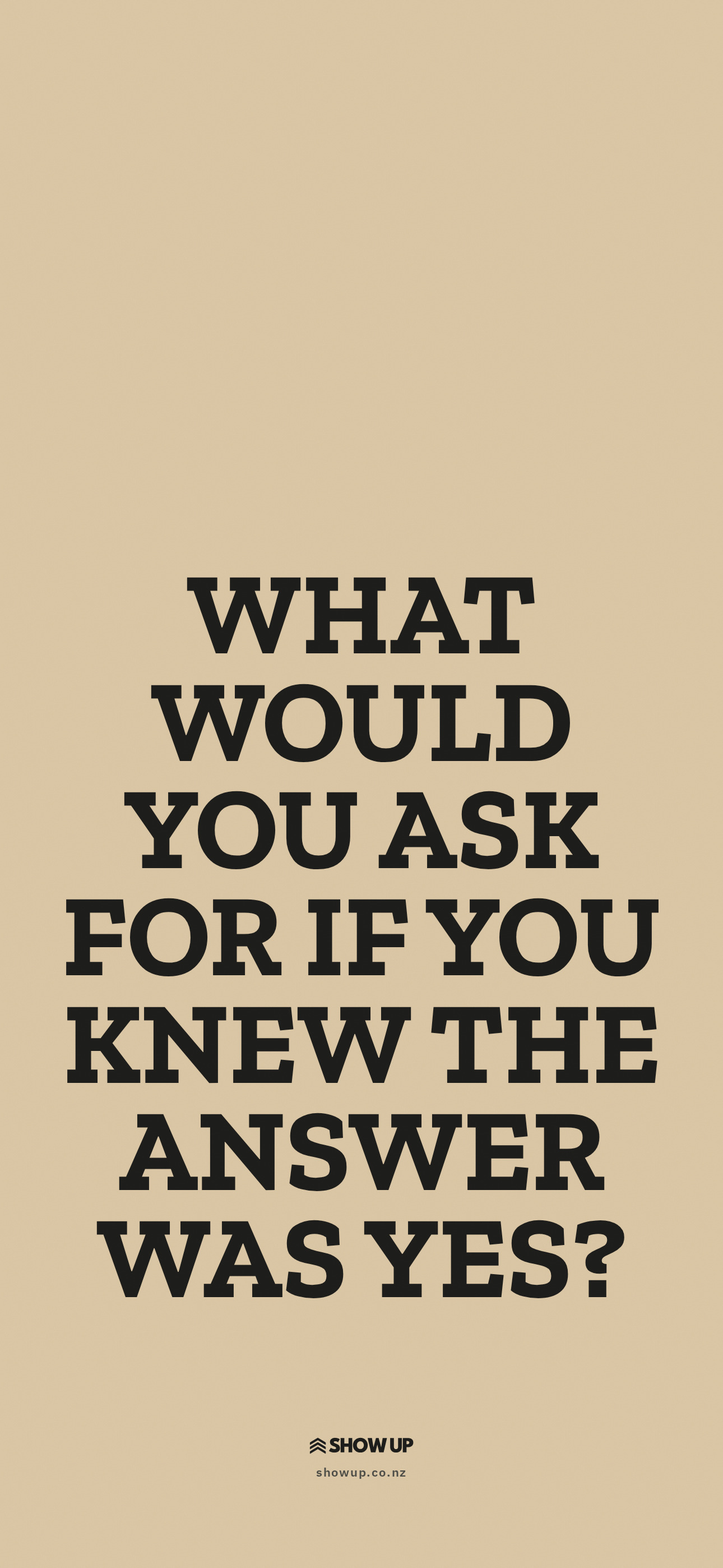

If you ask the grass, the zebra is the monster and the lion is the protector.
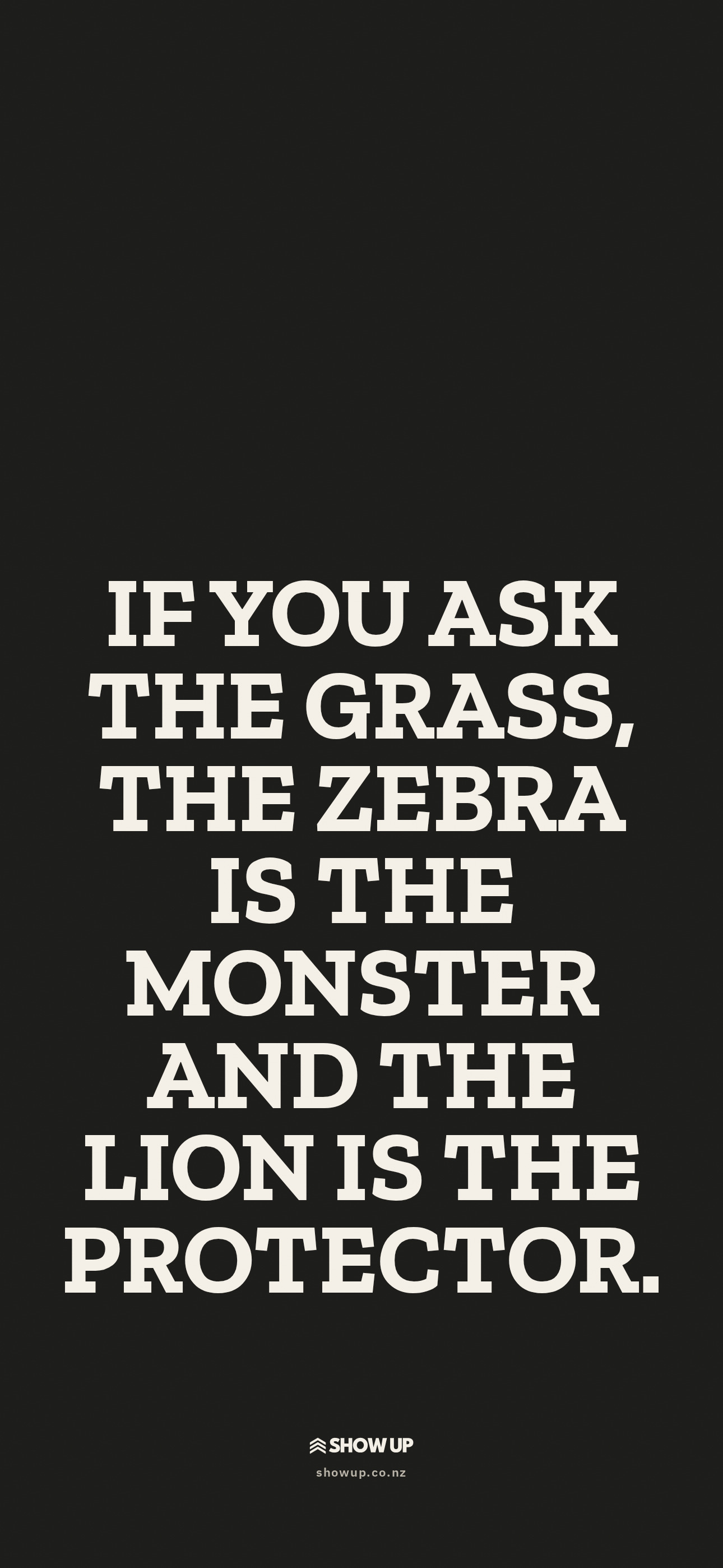

Failure is success in progress.
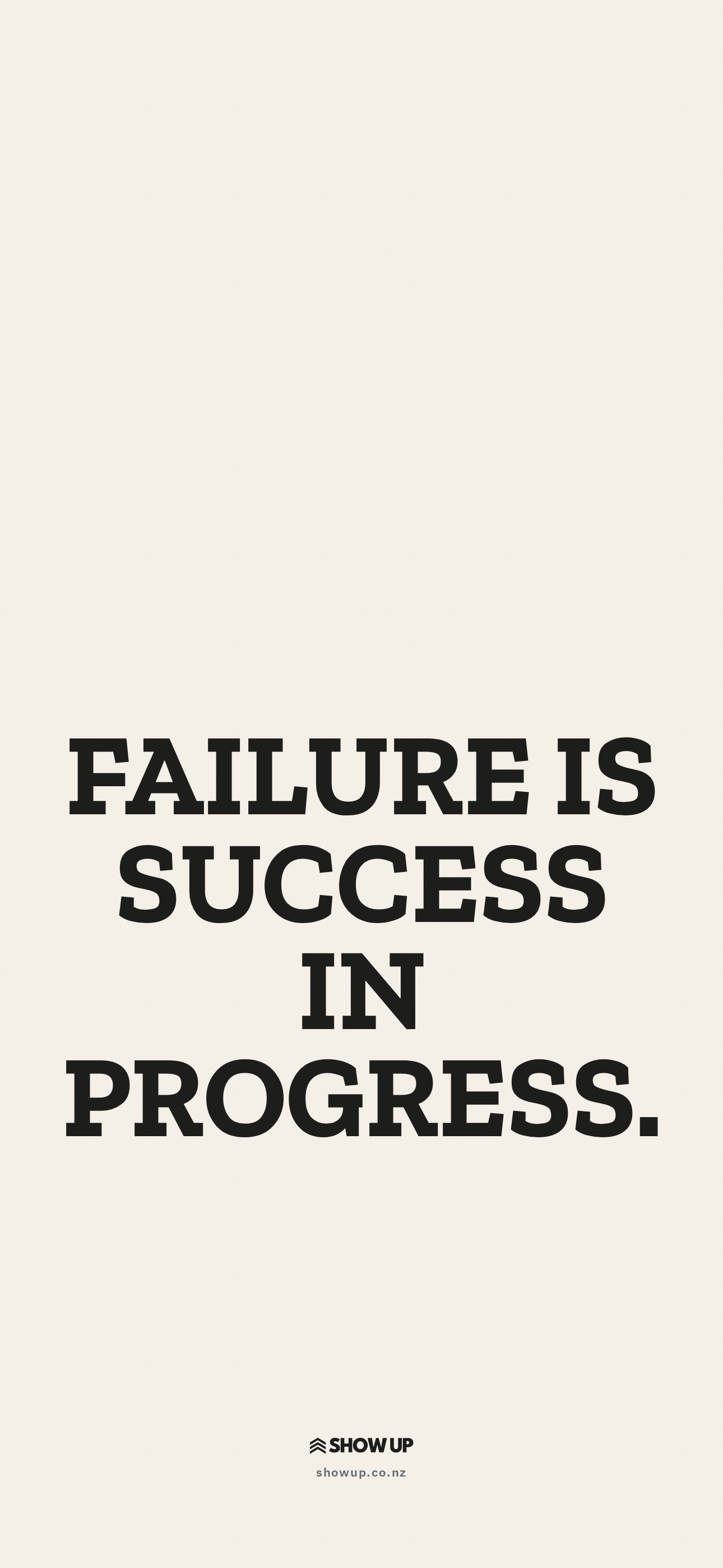

Everyone knew it was impossible, until a fool who didn't know came along and did it.

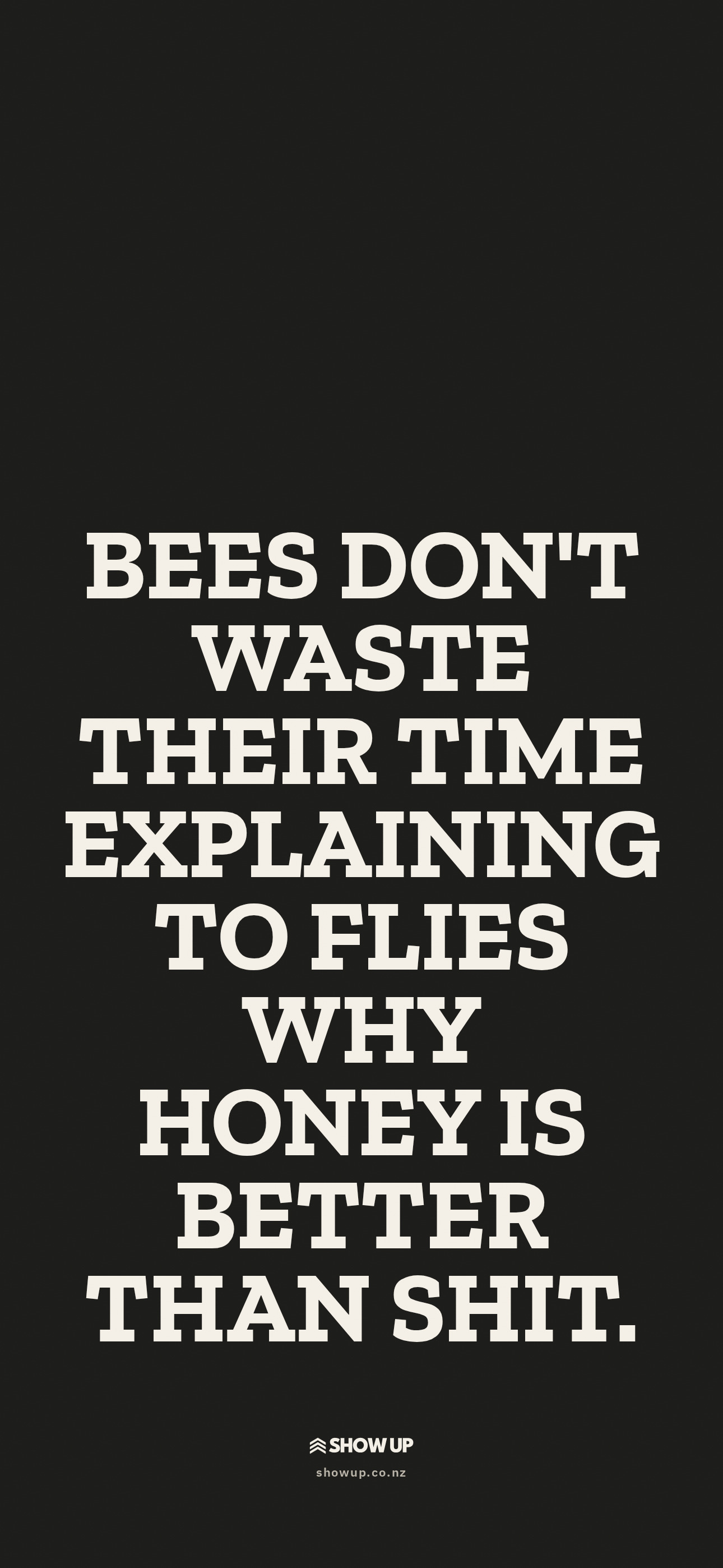
When you have exhausted all possibilities, remember this: you haven't.
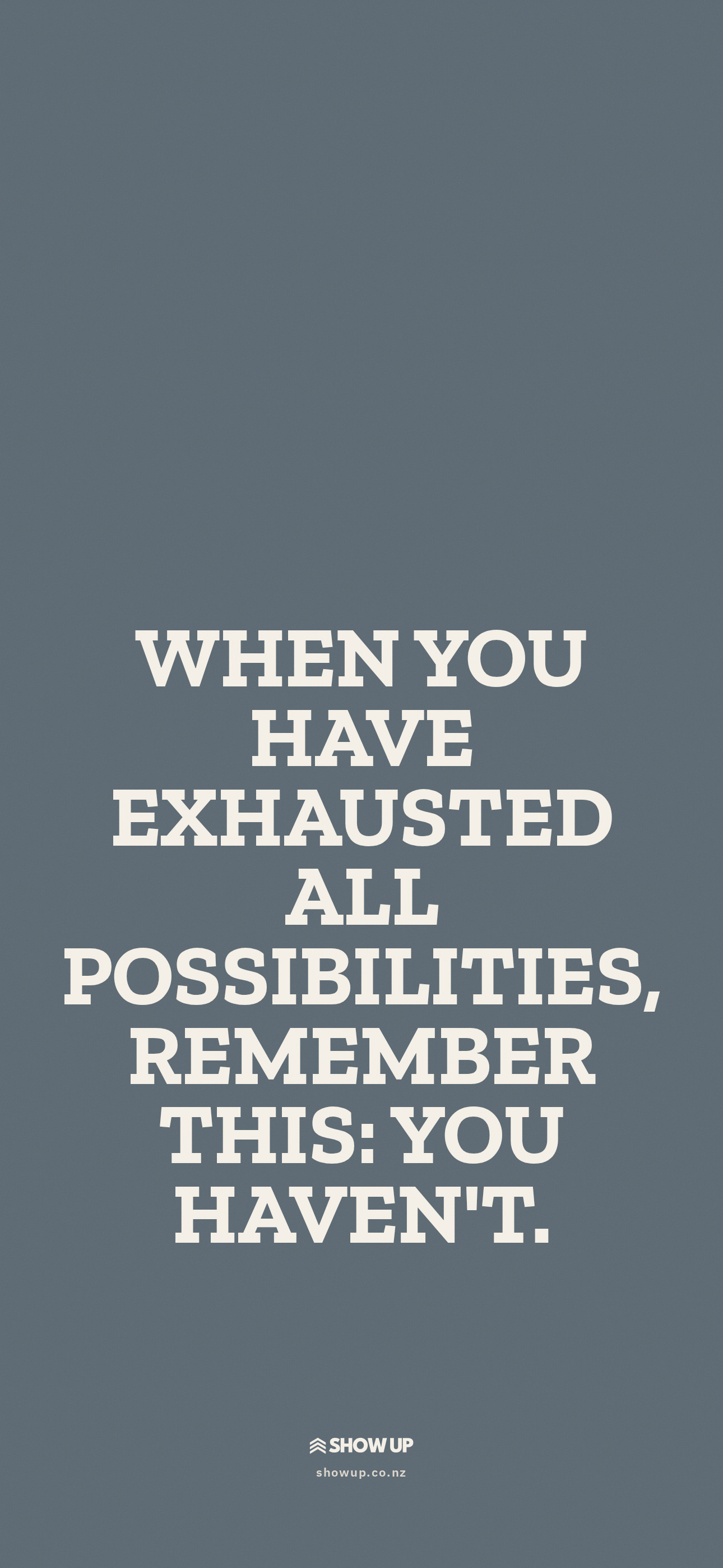

It's not your salary that makes you rich. It's your spending habits.
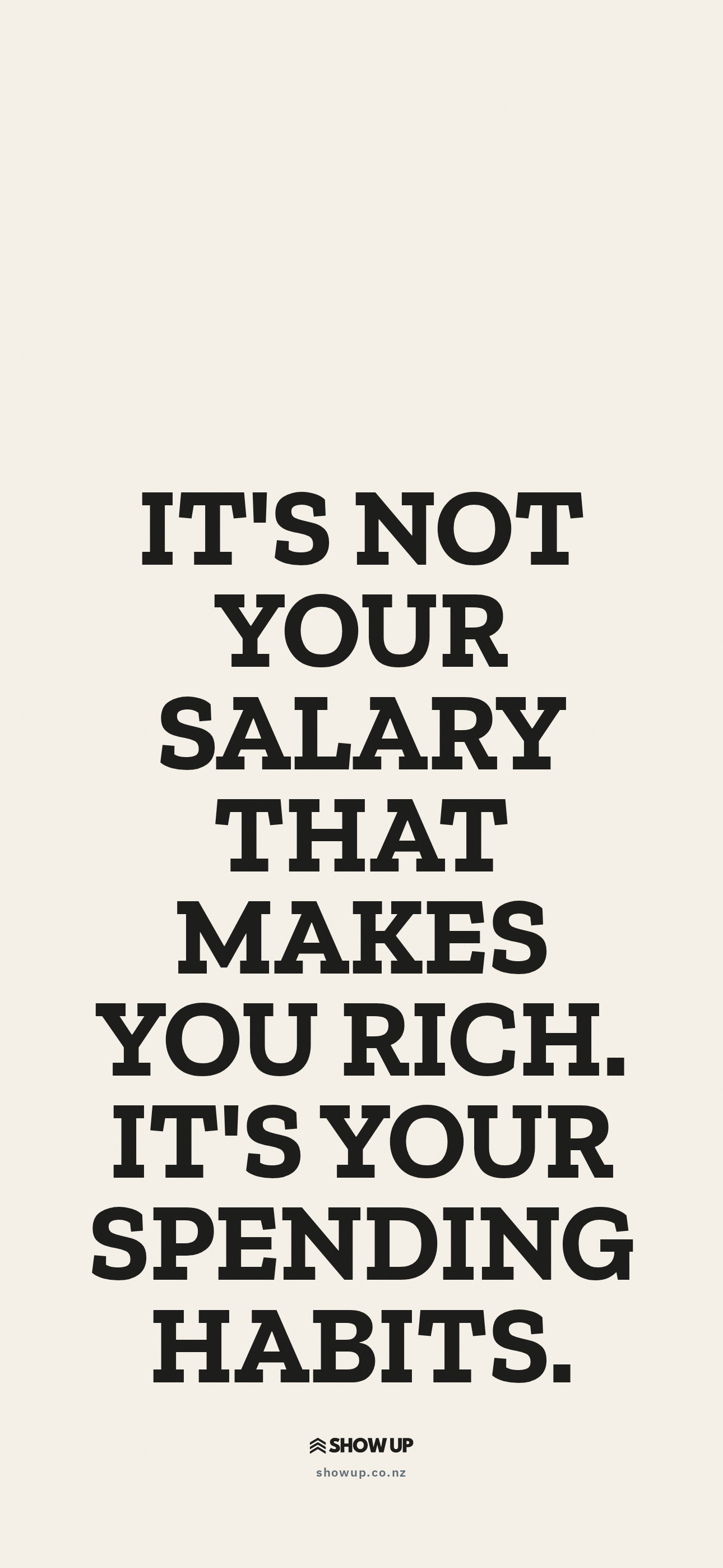

We can complain because rose bushes have thorns, or rejoice because thorn bushes have roses.
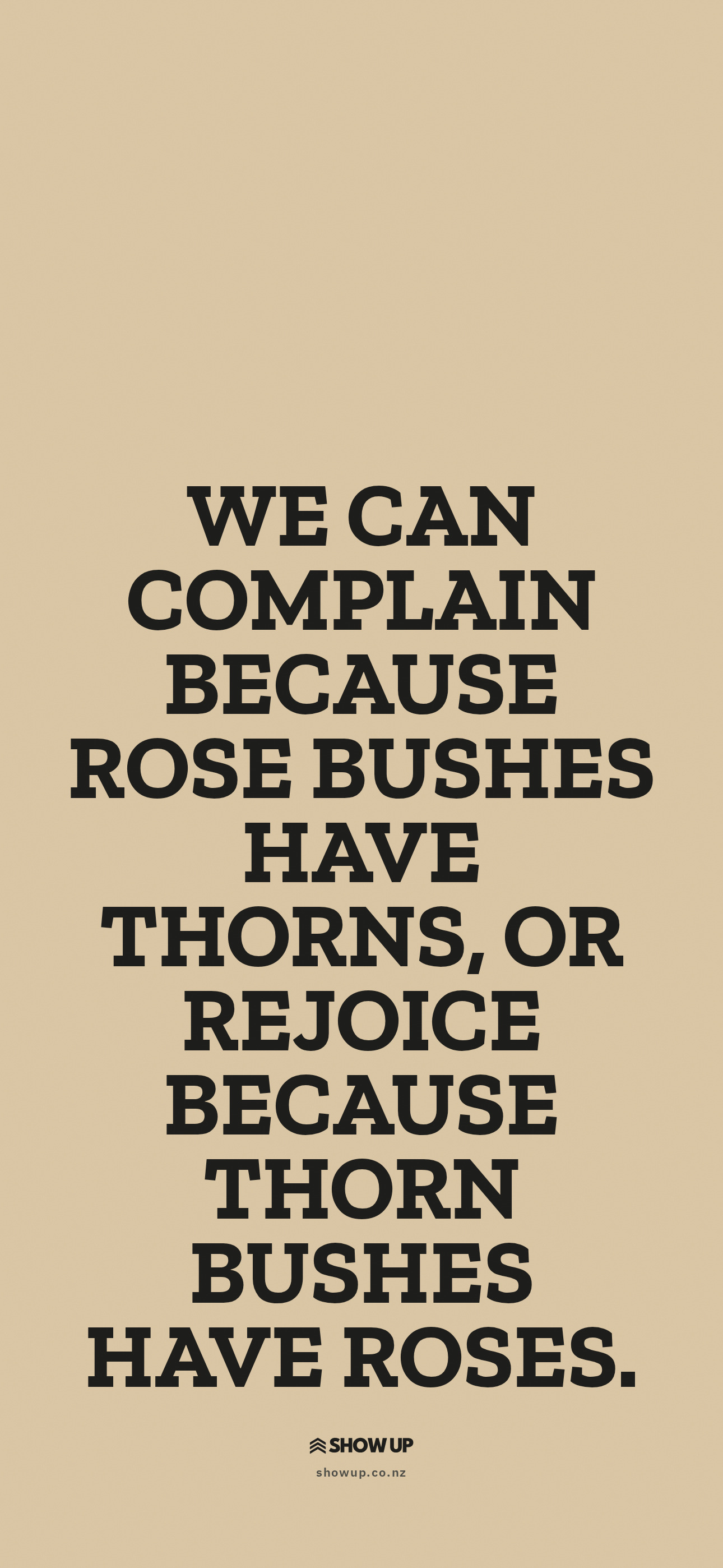

Bees don't waste their time explaining to flies why honey is better than shit.

Relax. Nothing is under control.

Things that excite you aren't random. They are connected to your purpose. Follow them.

I owe myself the biggest apology for putting up with what I didn't deserve.

They can't misquote your silence.

Once you carry your own water, you will learn the value of every drop.

To all the people that couldn't stand me this year, just letting you know that next year will be even worse.

Make it happen. Shock everyone.

Train like an athlete. Eat like a nutritionist. Sleep like a baby. Win like a champion.

It's funny how nobody notices what you do until you don't do it.

If you want to find a needle in a haystack, burn the haystack.

Set goals. Stay quiet about them. Smash the shit out of them. Clap for your damn self. Repeat.

Take responsibility and you take control over everything in your life.

Forget mistakes. Forget failure. Forget everything except what you're going to do now, and do it. Today you can do great things.

One kind word can change someone's entire day.

You'll always get whatever you want when you realize you are the one who has to get up and go get it.

Everything will kill you, so choose something fun.

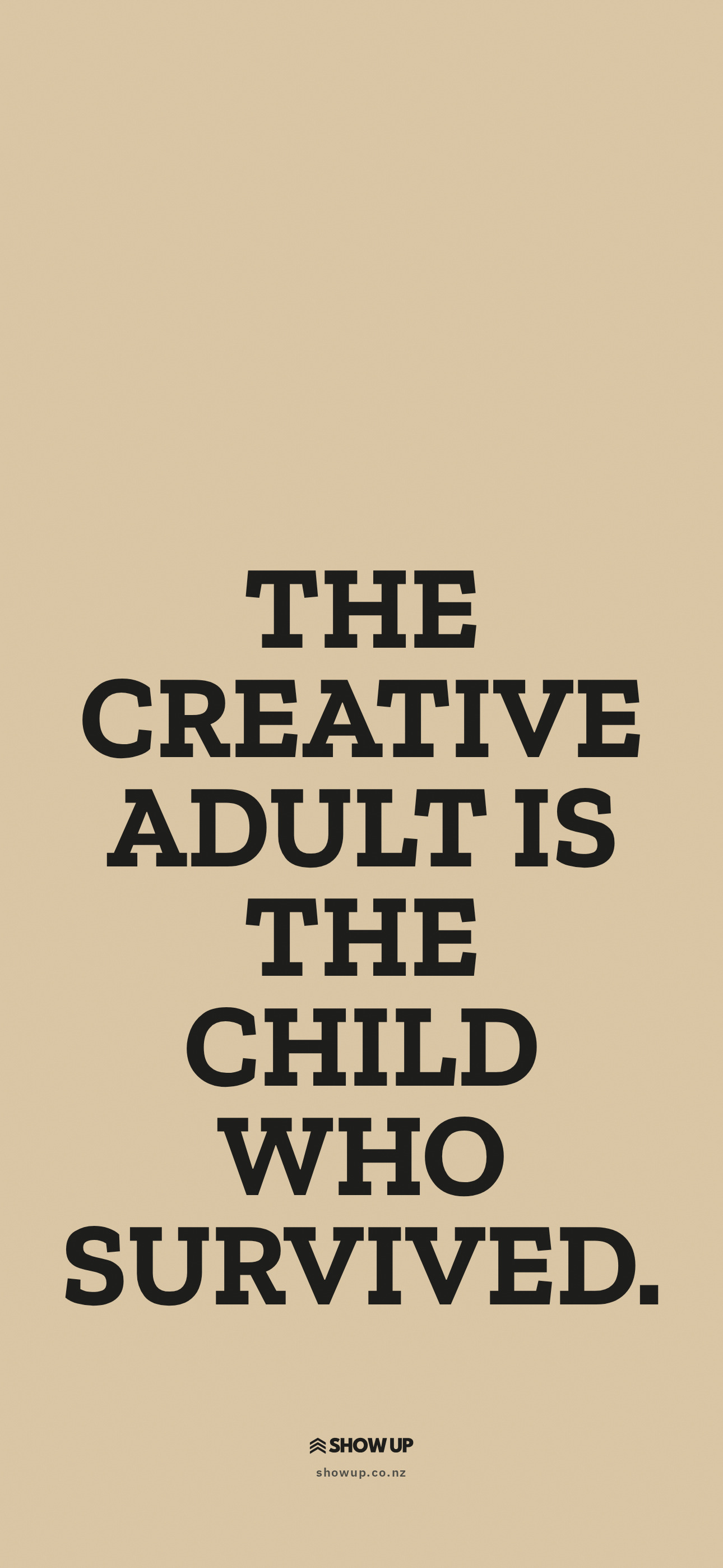
The creative adult is the child who survived.

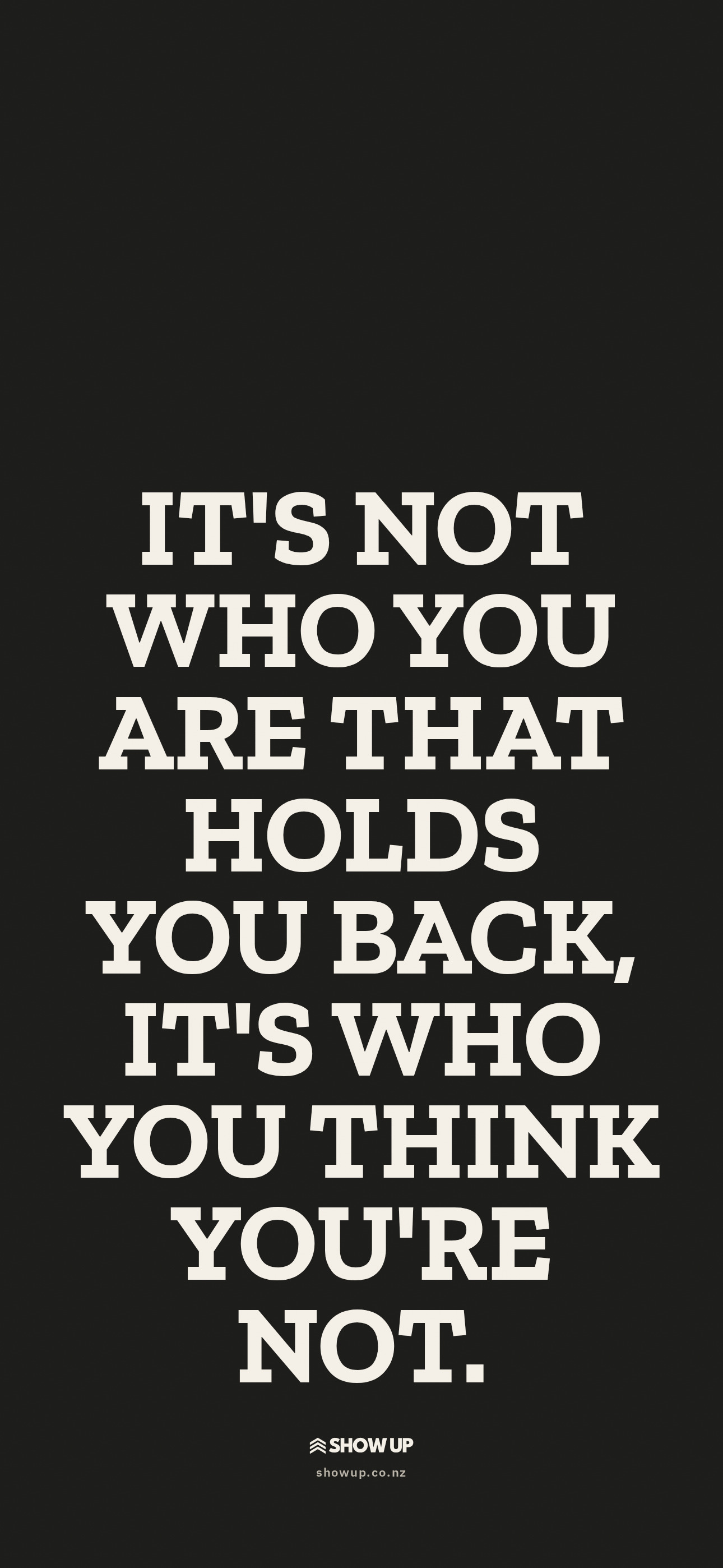
It's not who you are that holds you back, it's who you think you're not.

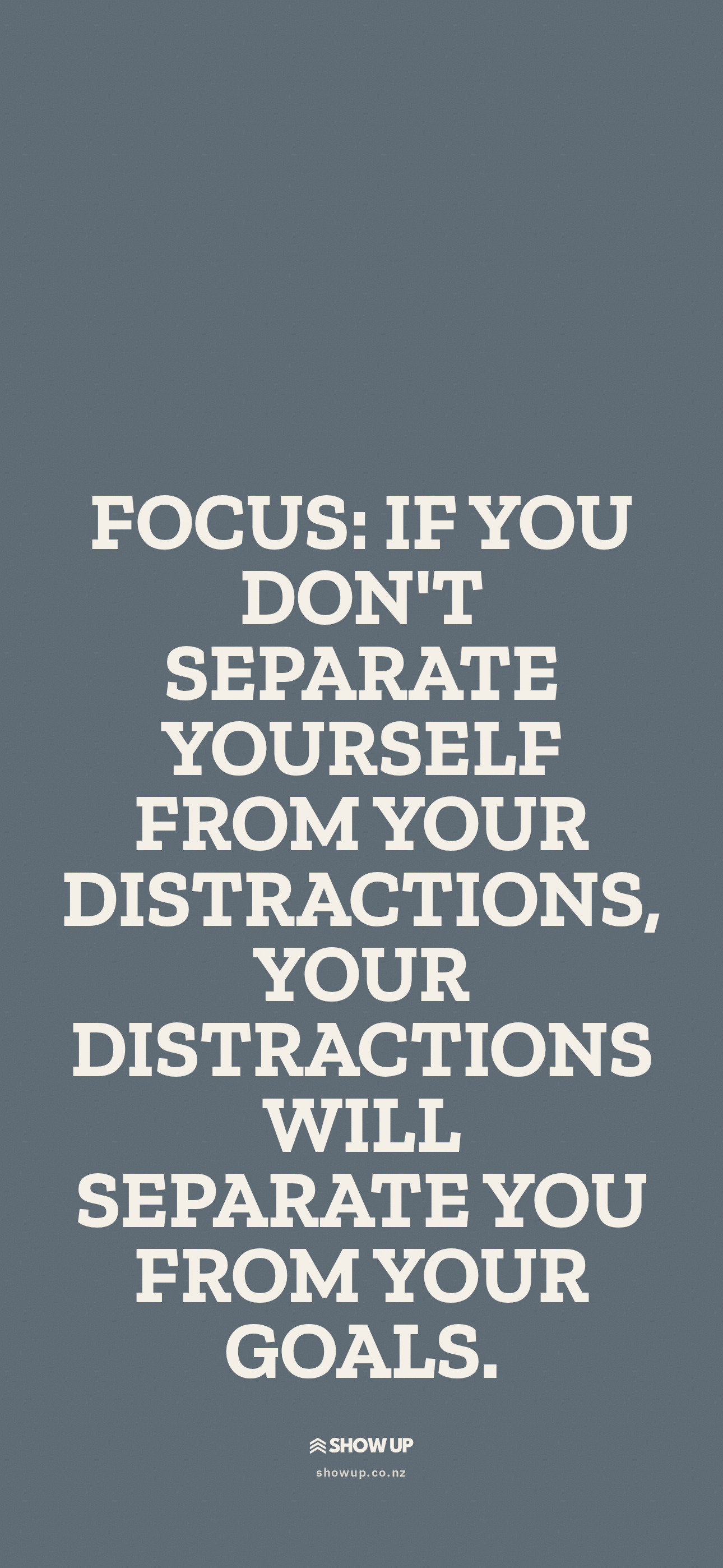
FOCUS: If you don't separate yourself from your distractions, your distractions will separate you from your goals.

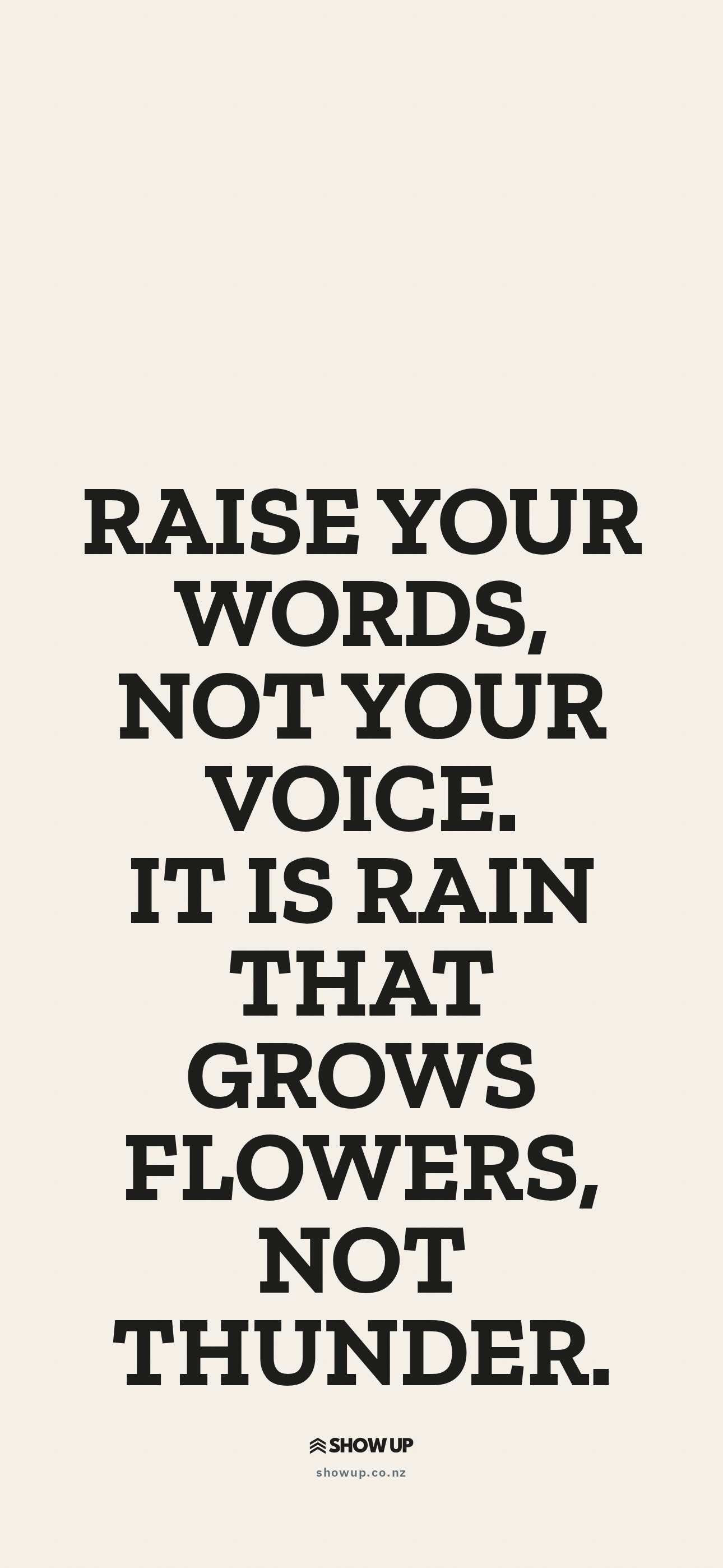
Raise your words, not your voice. It is rain that grows flowers, not thunder.

We don't meet people by accident. They are meant to cross our path for a reason.

Never give up on something that you can't go a day without thinking about.

People who can't communicate think everything is an argument.

I'm not for everyone and I am ok with that.

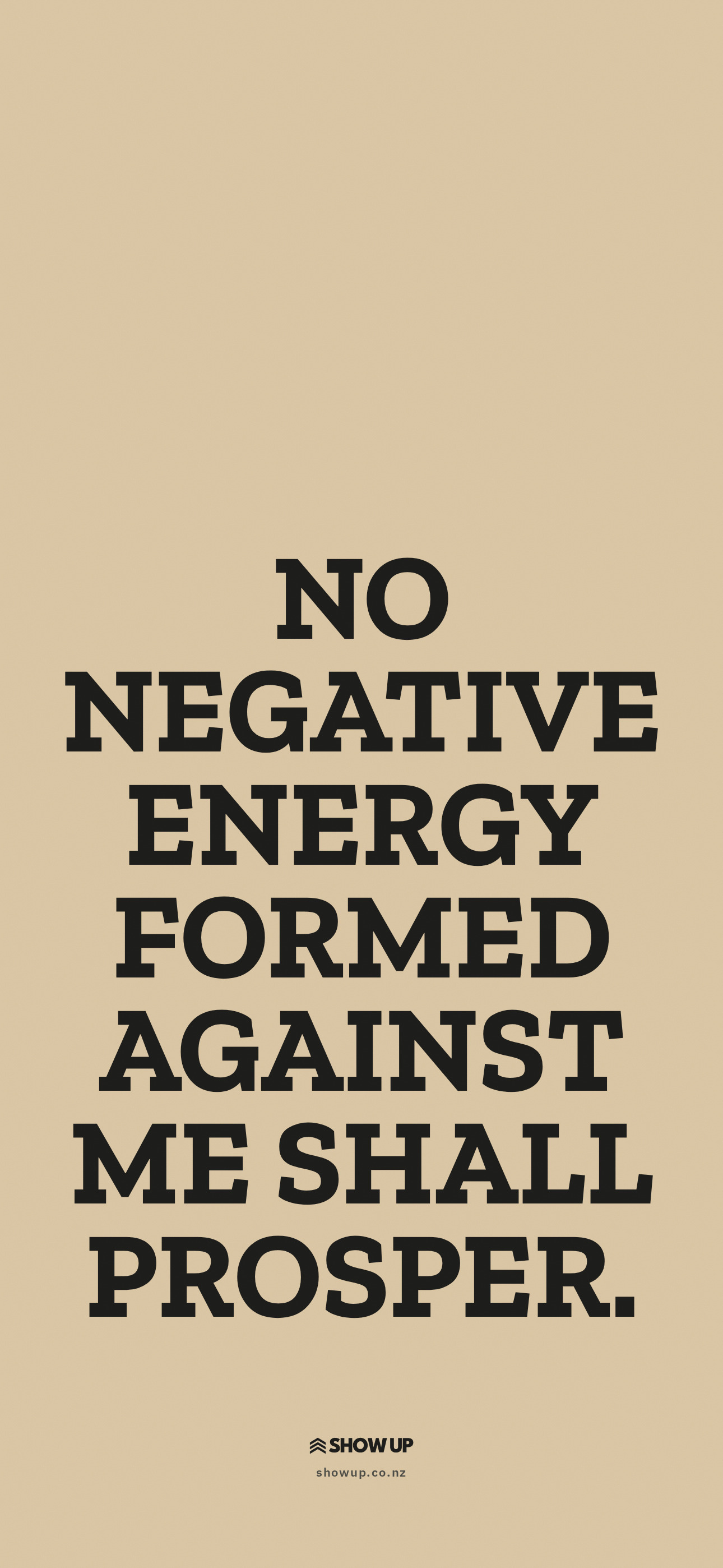
No negative energy formed against me shall prosper.

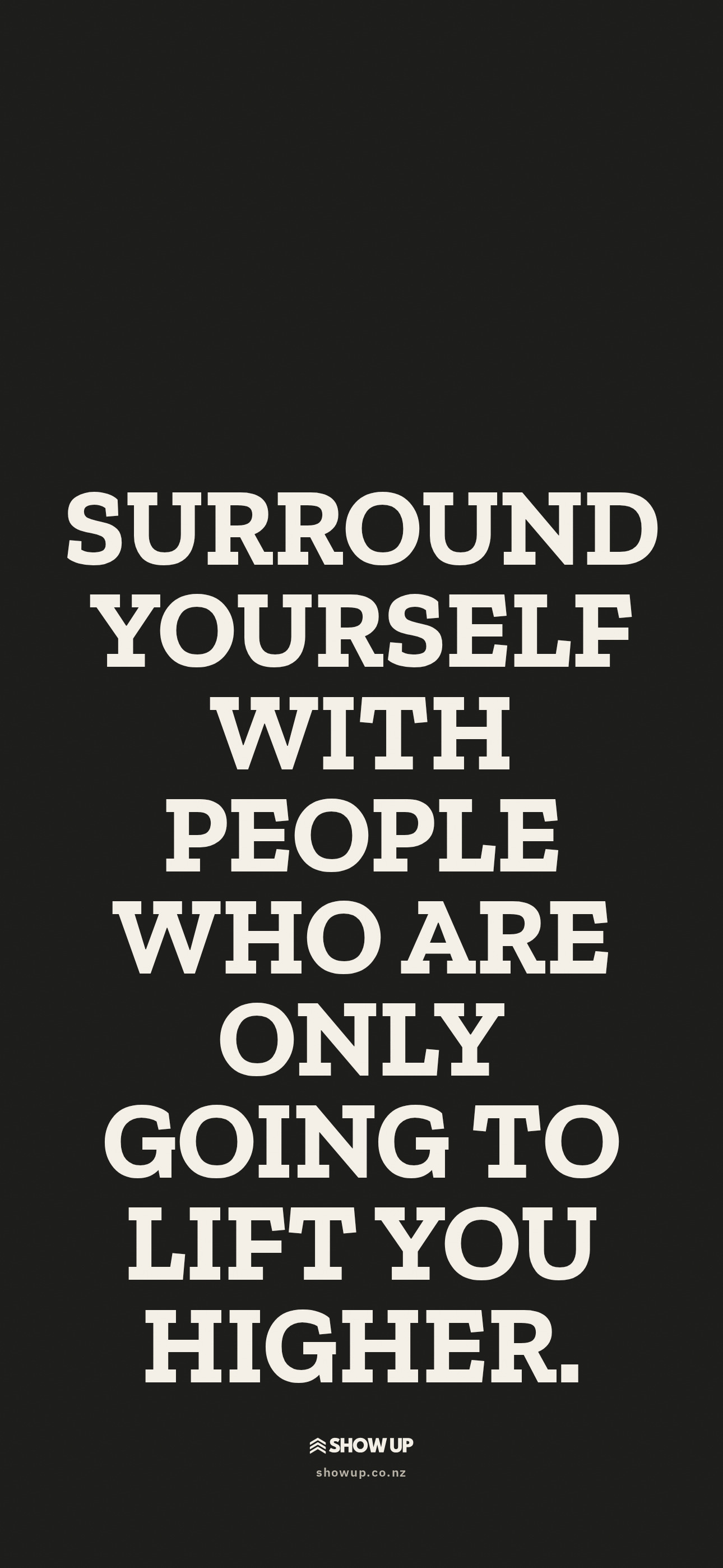
Surround yourself with people who are only going to lift you higher.

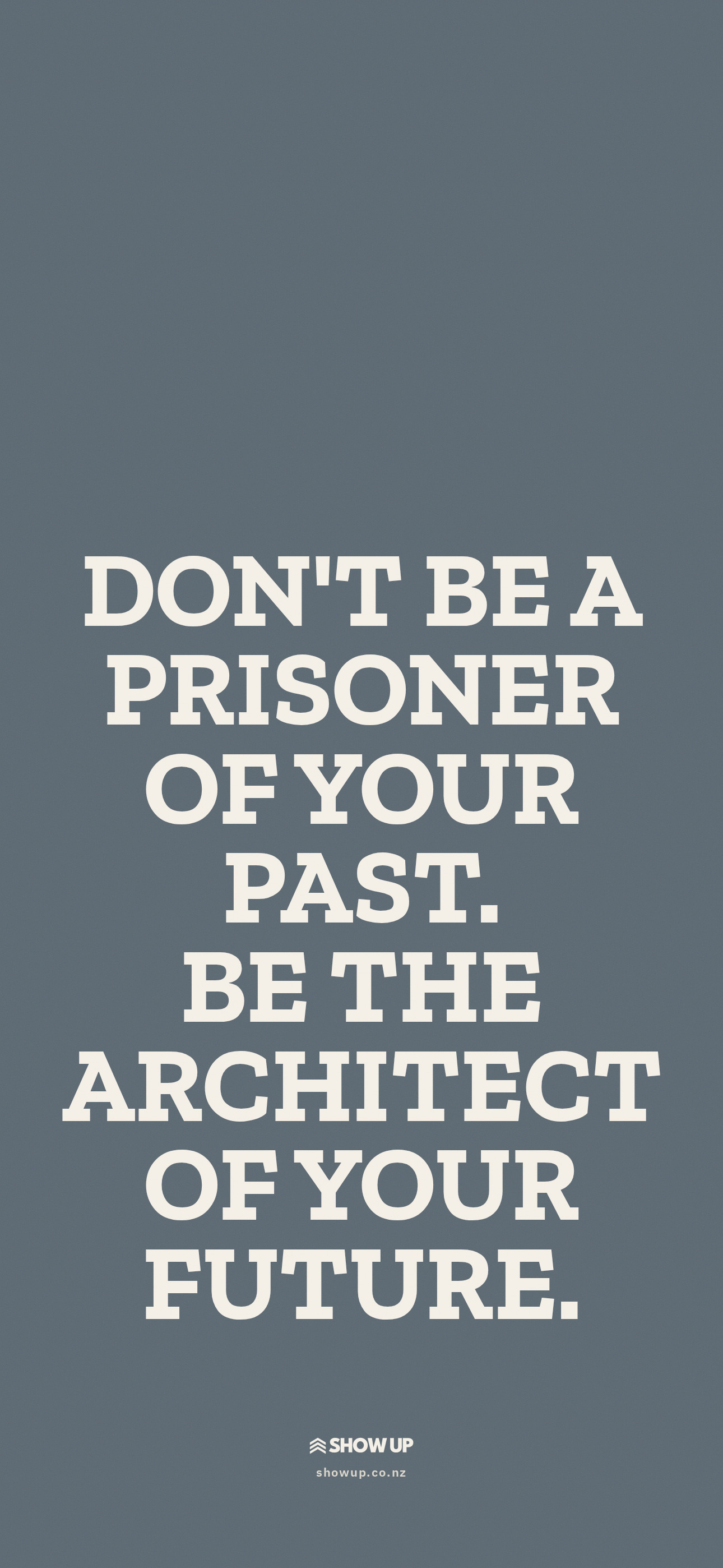
Don't be a prisoner of your past. Be the architect of your future.

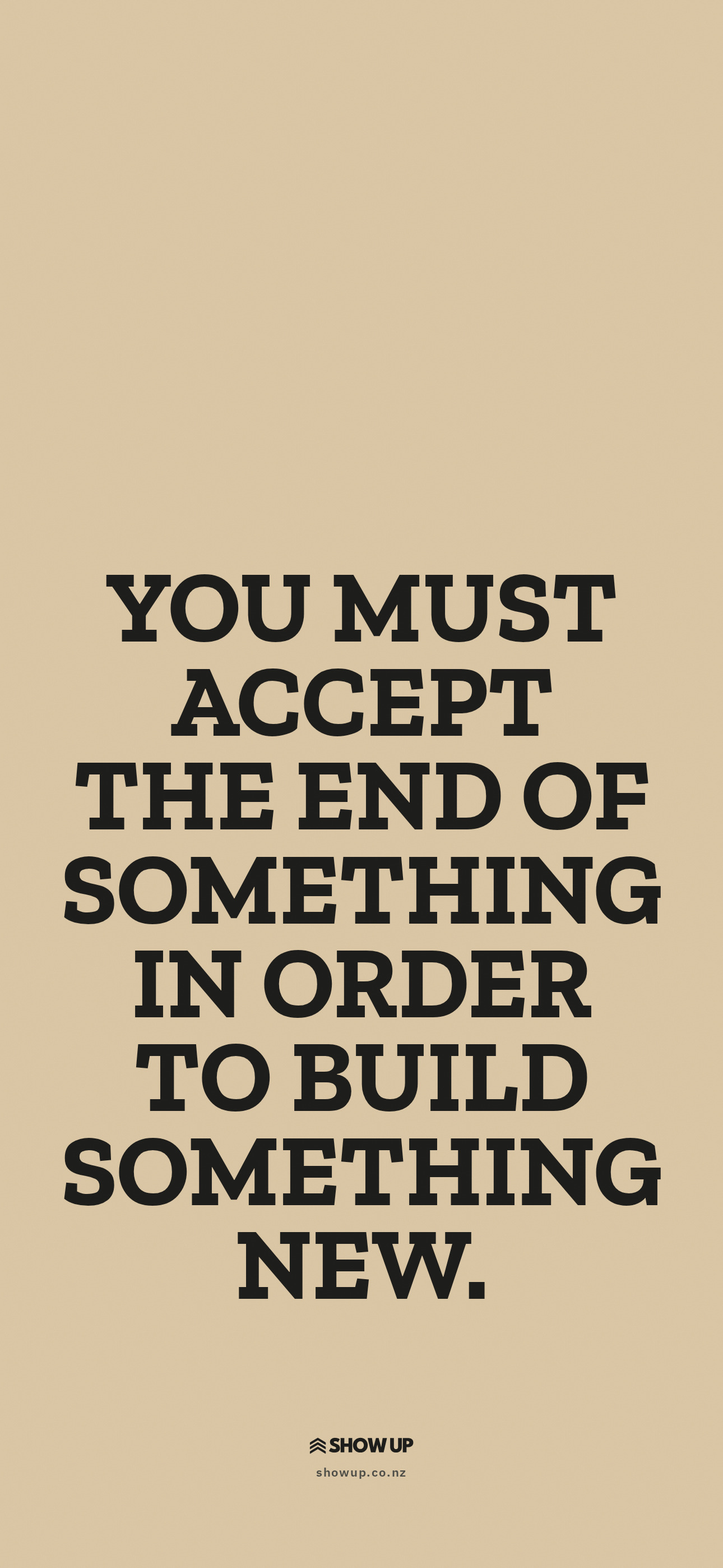
You must accept the end of something in order to build something new.

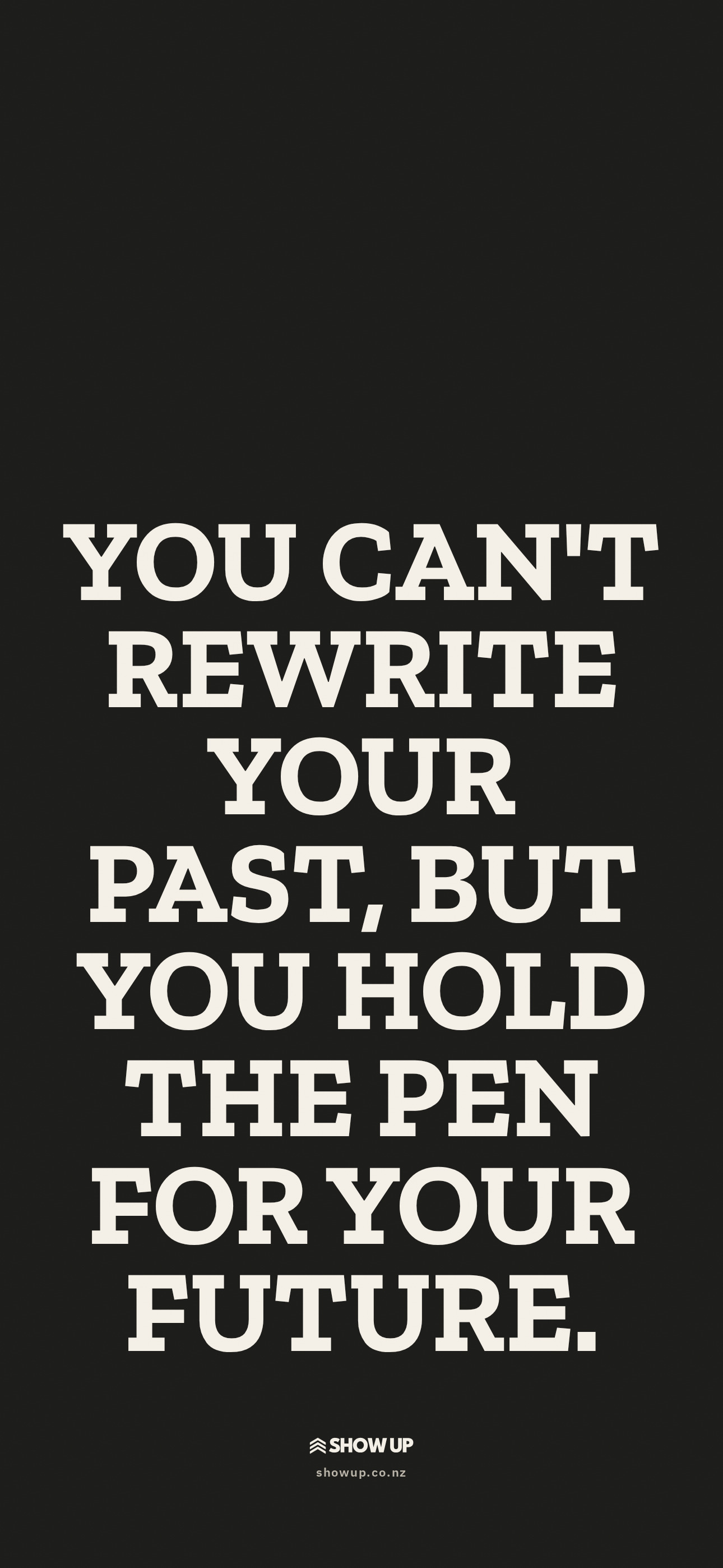
You can't rewrite your past, but you hold the pen for your future.

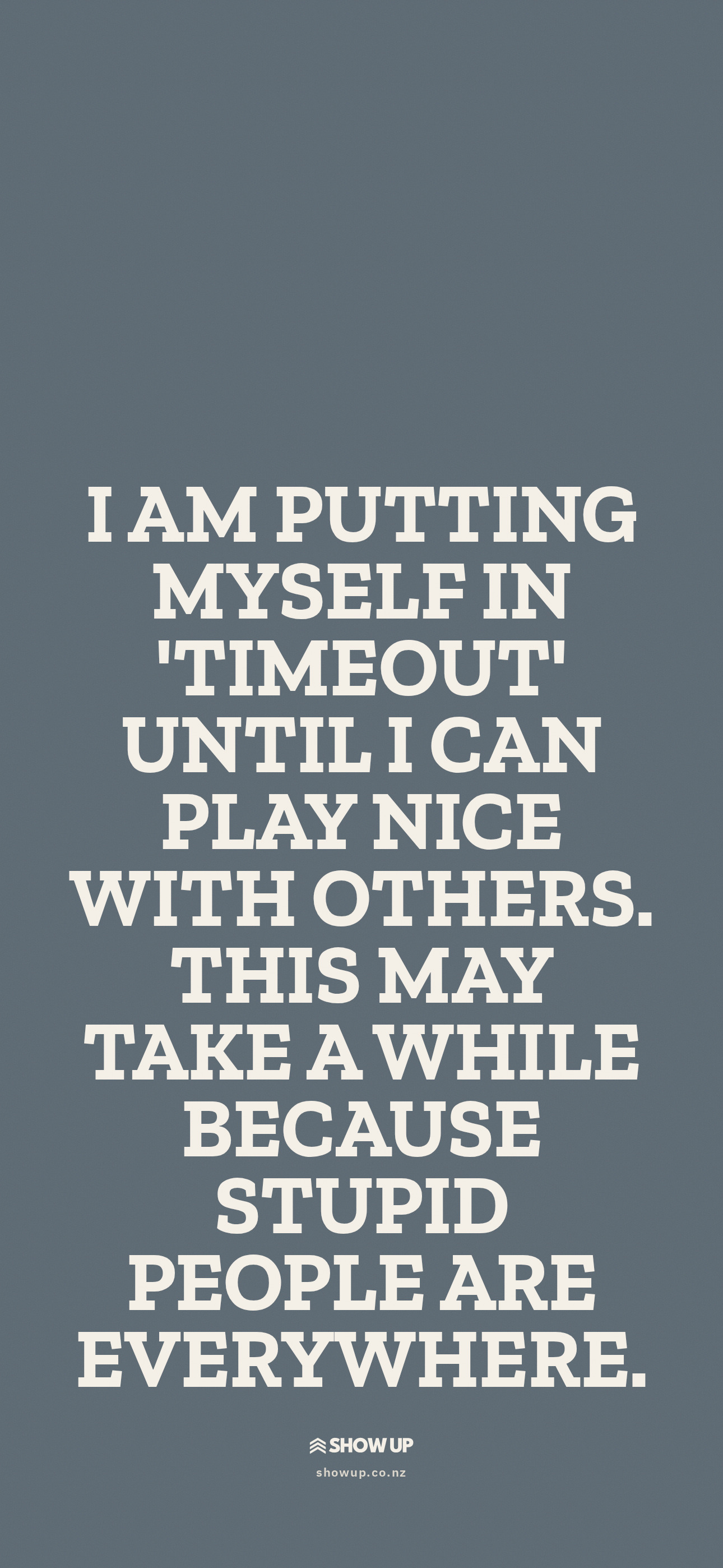
I am putting myself in 'timeout' until I can play nice with others. This may take a while because stupid people are everywhere.

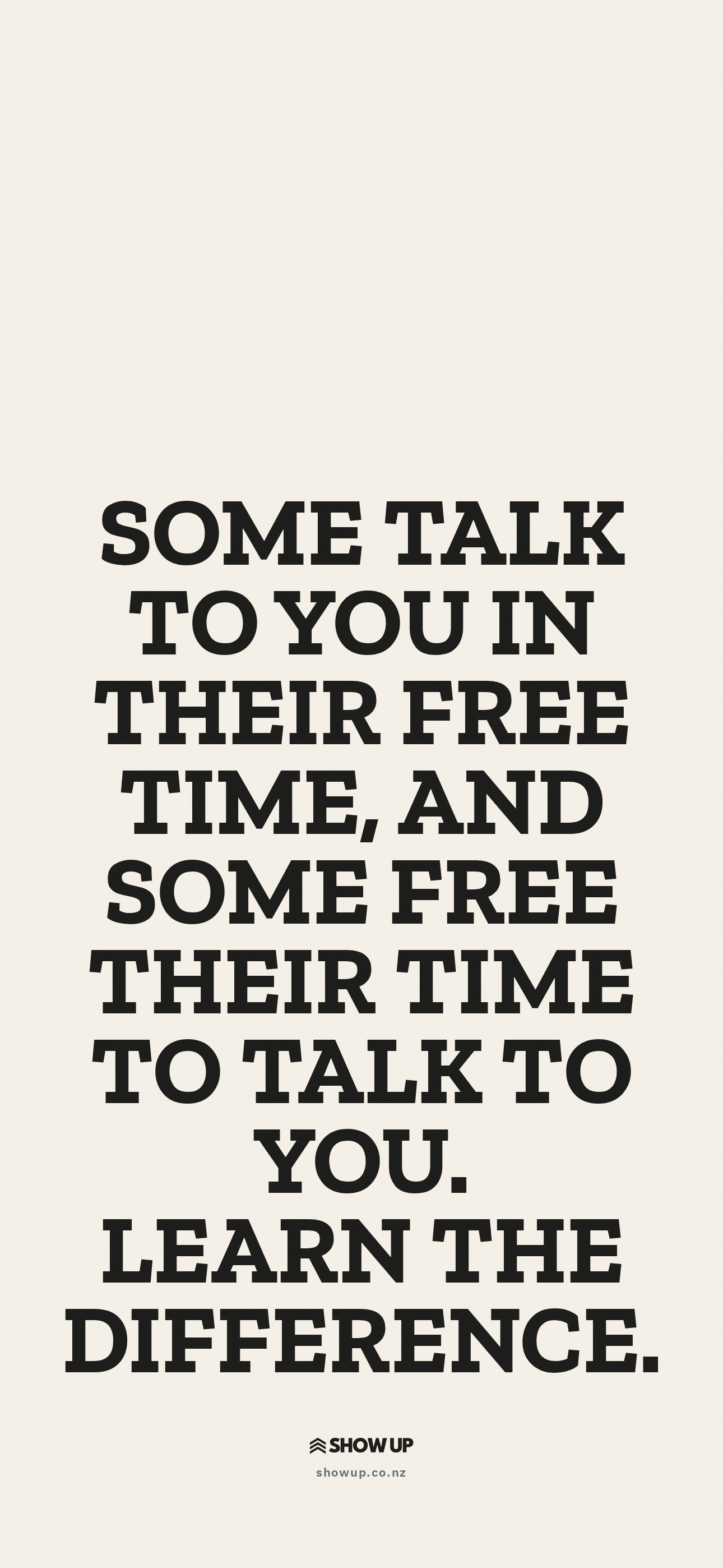
Some talk to you in their free time, and some free their time to talk to you. Learn the difference.

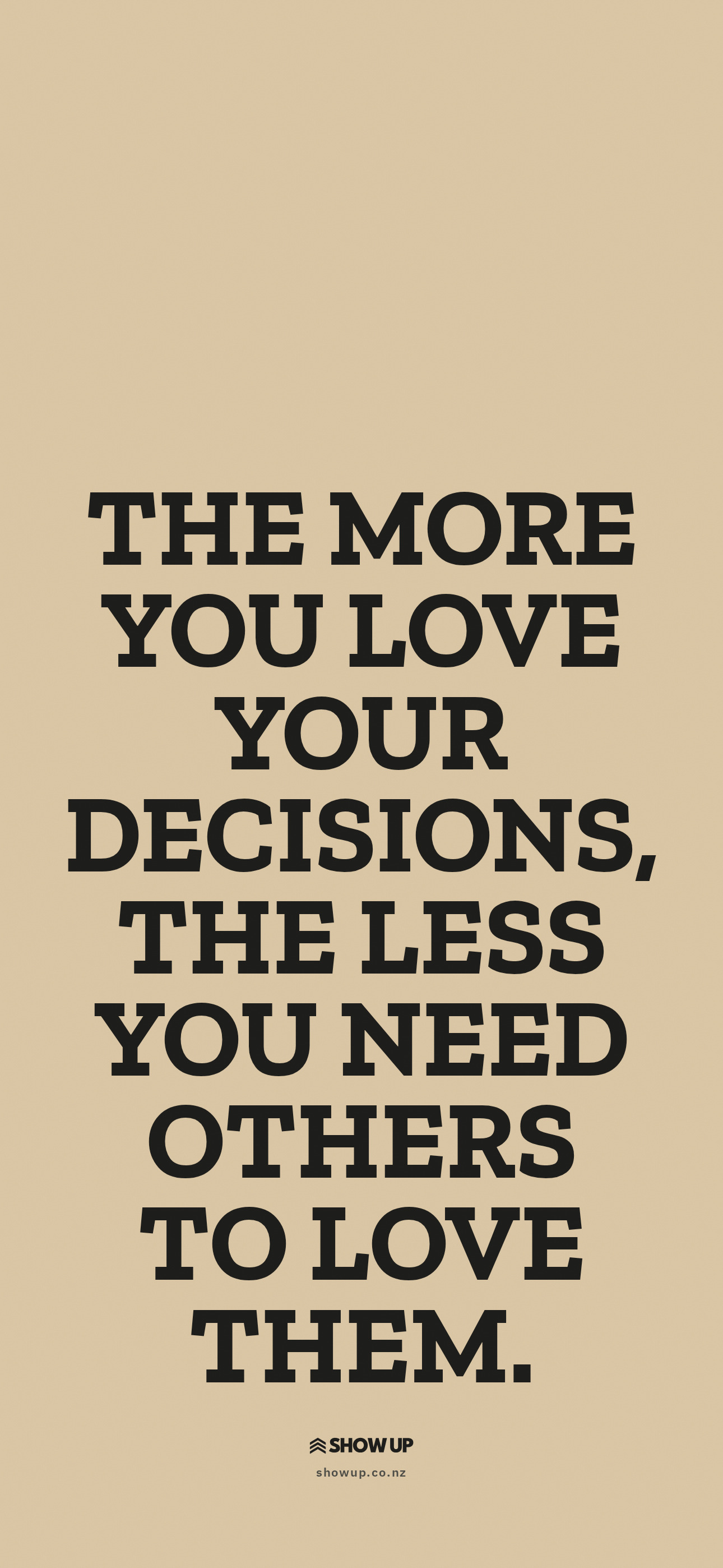
The more you love your decisions, the less you need others to love them.

Whatever you're doing today, do it with the confidence of a 4 year old in a Batman T-shirt.

Not all storms come to disrupt your life. Some come to clear your path.

We live on a blue planet that circles around a ball of fire next to a moon that moves the sea, and you don't believe in miracles?

Don't be surprised how quickly the Universe moves once you've decided.

The only thing complaining does is convince other people that you are not in control.

Let go of every thought that isn't pushing your mind in a positive direction.

You get what you focus on. So focus on what you want.

Every time you judge someone, you reveal a part of yourself that needs healing.

Don't downgrade your dream just to fit your reality. Upgrade your conviction to match your destiny.

Do not judge my story by the chapter you walked in on.

Don't worry too much about how you are going to get it all done. Get started, learn as you go, and it will all come to you. Action creates momentum, and momentum energizes you to keep going.

Don't judge people for the choices they make when you don't know the options they had to choose from.

In life it's important to know when to stop arguing with people, and simply let them be wrong.

Pro tip: When you're not sure, flip a coin, because while the coin is in the air, you realize which one you're actually hoping for.

My father used to say, "Don't raise your voice. Improve your argument."

Life only comes around once, so do what makes you happy and be with people who make you smile.

Success is 1% luck, 1% talent, 98% never giving up.

To start making progress you must stop making excuses.

Maybe it won't work out. But maybe seeing if it does will be the best adventure ever.

Never force anything. Just let it be. If it's meant to be, it will be.

Stop chasing what your mind wants and you'll get what your soul needs.

I found somebody I never wanna lose again... and that's me.

The first step to getting what you want is having the courage to get rid of what you don't.

I reward loyalty with loyalty. I reward disloyalty with distance.

People who want to see you win, HELP you win. Remember that.

The best revenge is when you honestly don't care anymore.

Never give up because great things take time.

The only person you are destined to become is the person you decide to be.

Isn't it pathetic how we waste so much time on certain people and in the end they prove that they weren't even worth a second of it.

Holding onto anger is like drinking poison and expecting the other person to die.

I do a thing called what I want.

If you want to be successful, prepare to be doubted and tested.

Standing alone is better than standing with people who hurt you.

Sometimes, it's better to just move on instead of being the only one who's willing to fix things.

Sometimes, you get into trouble because you reveal too much of yourself to those who do not deserve to know anything about you.

Every pro was once an amateur. Every expert was once a beginner.

I am slowly learning that some people are not good for me, no matter how much I love them.

Some people will never like you because your spirit irritates their demons.

Sadly, the only way some people will learn to appreciate you is by losing you.

I haven't made any really bad decisions lately. I'm getting bored.

Wanna see how people really are? Wait til money is involved.

Givers have to learn to set limits because takers don't have any.

If the words don't add up, it's usually because the truth wasn't included in the equation.

I bring too much to the table to be treated like a napkin.

Don't be afraid to start all over again. You may like your new story better.

Don't sleep like you're rich, work like you're broke.

Value doesn't beg.

Always ask yourself if what you're doing today is getting you closer to where you want to be tomorrow.

People don't want to hear the truth because they don't want their illusions destroyed.

Keep your mind focused on your desired outcome rather than on your current life stresses.

Maybe swearing will help.

Losers quit when they fail. Winners fail until they succeed.

Just in case no one has told you today: Good morning. I believe in you. You're doing great. Nice butt.

I should probably kick some ass today.

Speak English, kiss French, dress Italian, spend Arab, party Caribbean.

Do what is right, not what is easy.

Never make permanent decisions on temporary feelings.

You didn't come this far to only come this far.

Sell the problem you solve, not the product you have.

Think it. Want it. Get it.

If not now, when?

I can & I will.

Don't fear failure. Fear being in the exact same place next year as you are today.

Don't tell people your dreams. Show them.

All these open windows but no fresh air.

When nothing goes right, go left.

GET SHIT DONE

Forgive to forget.

THINK BIG

Do epic shit.

Make dope stuff every day.