
Home/Free stuff/Wallpapers/FOCUS: If you don't separate yourself from your distractions, your distractions will separate you from your goals.
Free / Phone wallpaper / Get Moving
FOCUS: If you don't separate yourself from your distractions, your distractions will separate you from your goals.
Sized for your lock screen. Save it to Photos, then set it as your wallpaper. Free, no sign-up.

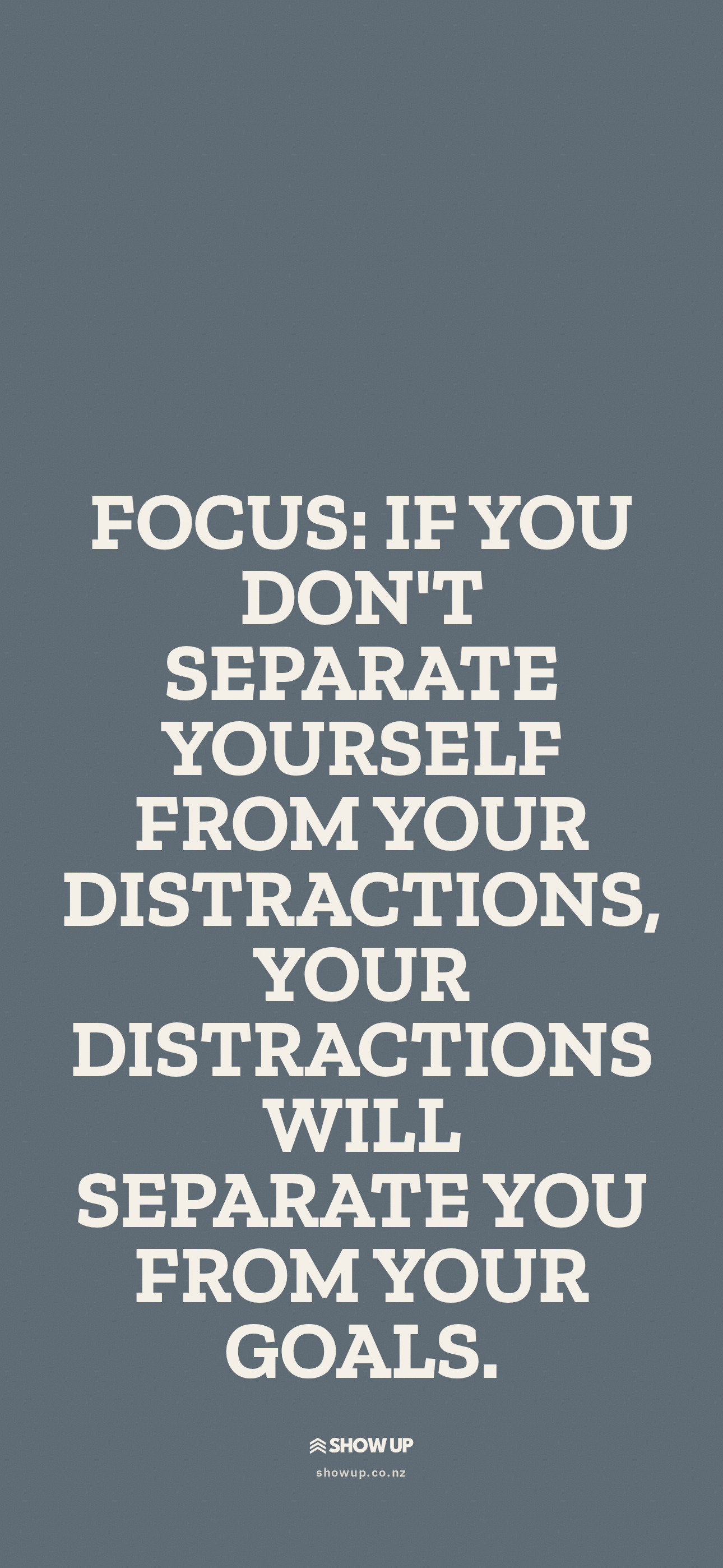
On iPhone, Download may just open the image. Long-press it and tap Save to Photos.

Scan with your phone camera. The wallpaper opens ready to save.
Wallpapers always carry the Show Up mark. Want it on your wall without? The printed poster lets you remove the branding.
How to set it as your wallpaper
iPhone
- Tap Save, or long-press the image and tap Save to Photos.
- Open Photos, tap Share, then Use as Wallpaper.
- Pinch to fit, then tap Add.
Android
- Tap Download, or long-press the image and tap Download image.
- Open Photos or Gallery, tap the menu, then Use as or Set as wallpaper.
- Pick Home screen, Lock screen, or both.